25G Fiber Extension Module
The 25G Fiber extension is a hardware module that lets you connect TaskForce 2 to a local fiber network using dual 25 Gb/s SFP28 ports (SFP28) with a bonding option to achieve up to 50 Gb/s data transfer speeds.
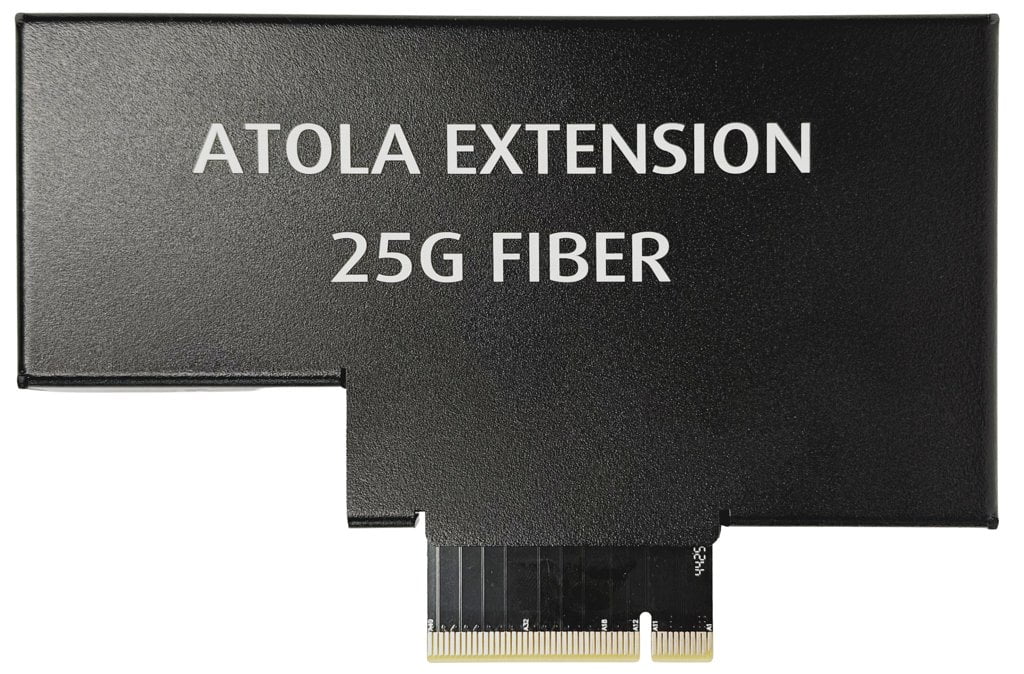
Specifications
- Compatible with TaskForce 2 and TaskForce 1
- Two 25 Gbit SFP28 ports
- Bonding (link aggregation) support
- Built-in fan for active cooling
Install and remove
The TaskForce hardware unit is equipped with the PCI Express port on its back panel, which is referred to as the Extension port. It is used to plug Atola hardware extension modules supported by Atola TaskForce software.
To install the 25G Fiber extension module, do the following:
- Power off TaskForce.
- Align 3 holes on the extension module and 3 screw holes on the TaskForce back panel. Firmly plug the 25G Fiber extension module into the Extension port and fasten the module with 3 screws.
- Connect one or two SFP28 fiber cables of your local network to the respective port(s) on the extension module.
- Power on TaskForce.
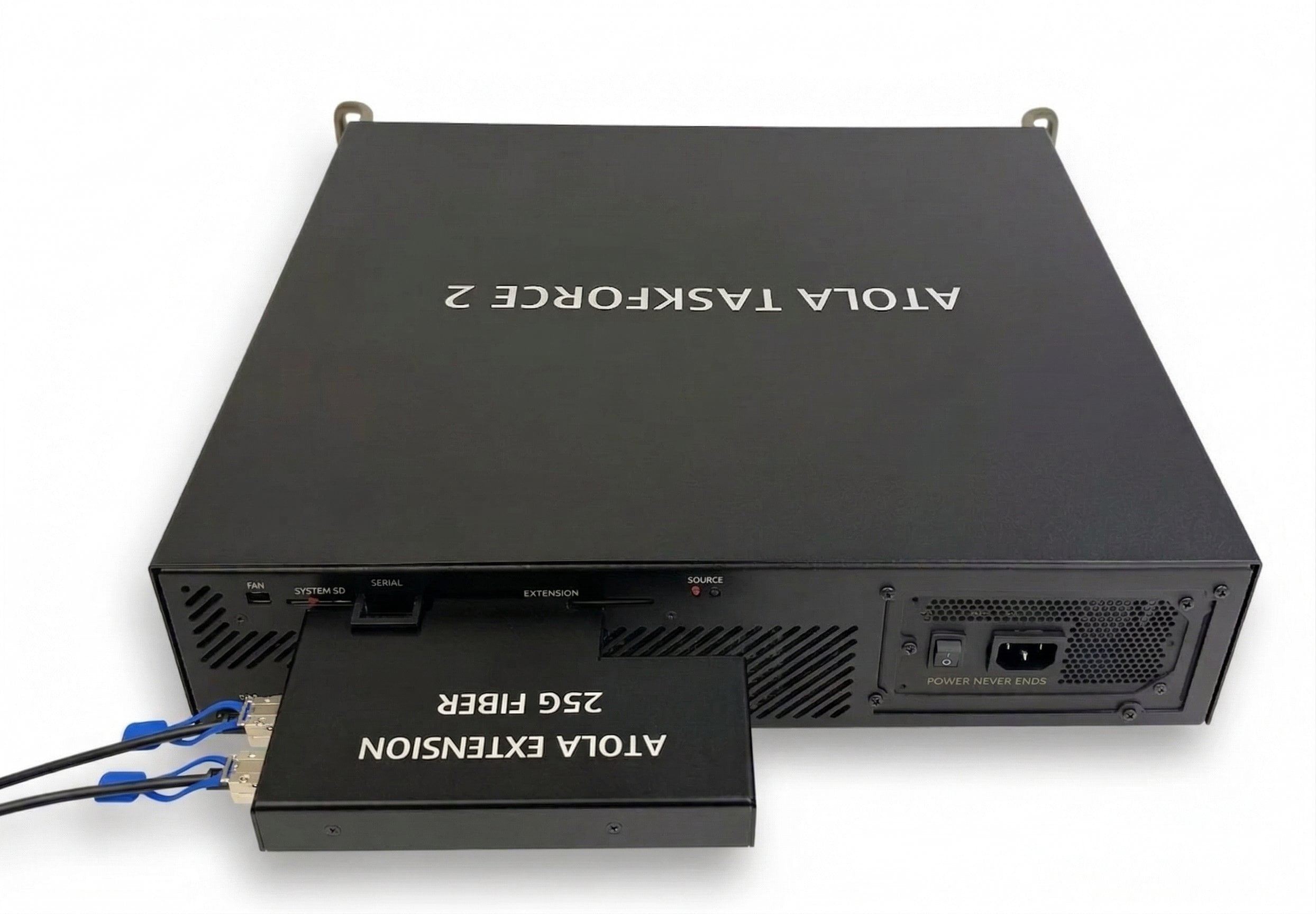
The 25G Fiber extension module connected to the Extension port on the back side of the TaskForce 2 unit.
To remove the 25G Fiber extension module or replace it with another extension module, do the following steps:
- Power off TaskForce.
- Disconnect the fiber cable(s) from the extension module by pulling the small plastic lever on the cable.
- Release the screws, which hold the module, and unplug it from the Extension port.
- Optional: Plug another extension module into the Extension port and fasten the module with a screw.
- Power on TaskForce.
Specify network settings
To open the 25G Fiber extension settings in the TaskForce window:
- Go to Menu > Settings.
- Scroll down to the Network section.
- Click the FIBER EXTENSION 25G tab.
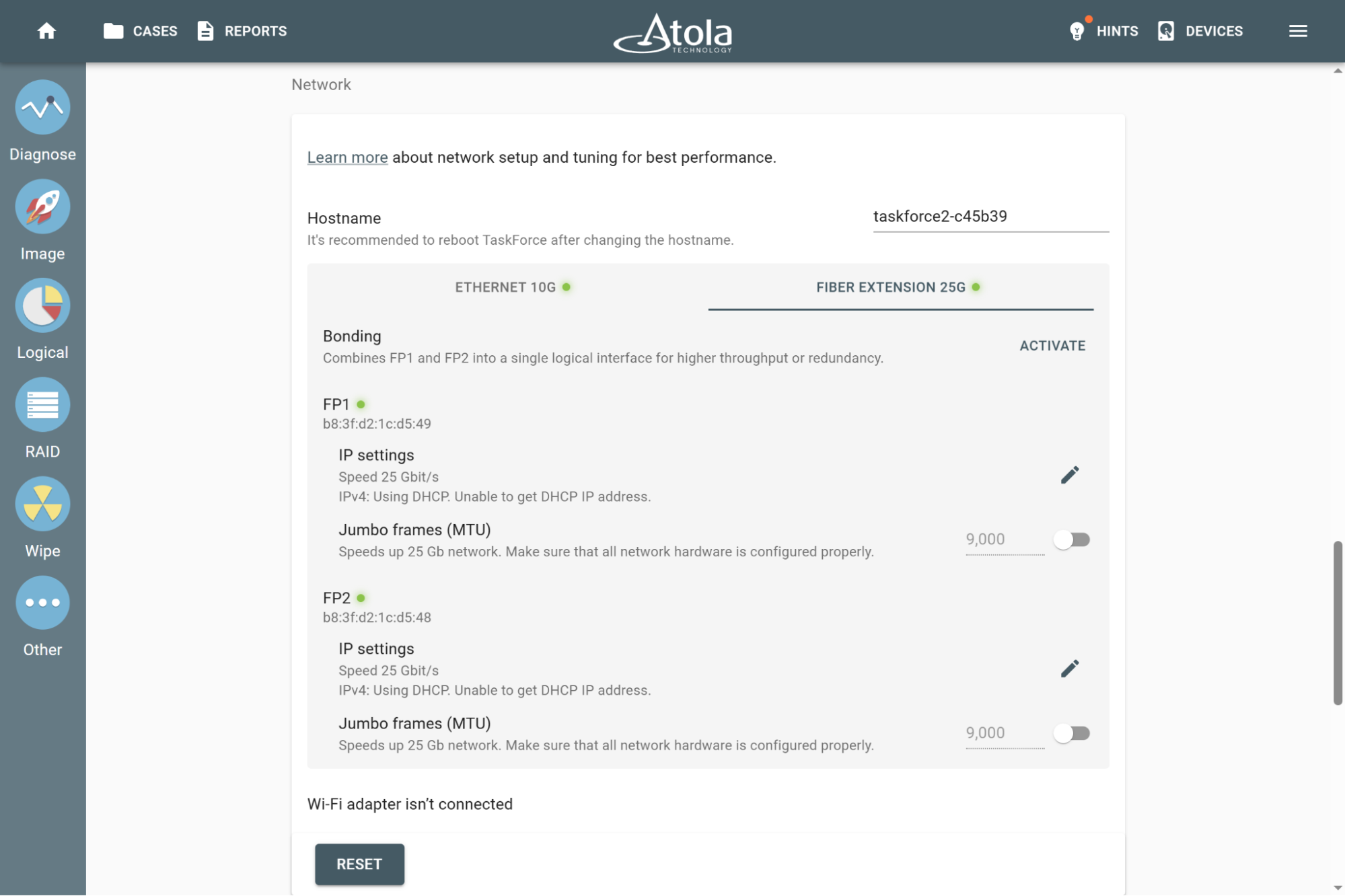
Fiber Extension settings
Fiber port settings
If the bonding feature is disabled, you can set up the following parameters for each fiber port (FP1 and FP2) separately:
- Static or dynamic IP address
- If the static IP address is enabled:
- IP address
- Network mask.
- Default gateway
- DNS
- Jumbo frames (MTU)
Bonding
The bonding feature combines both ports of the 25G Fiber extension module into a single logical interface for higher throughput and redundancy.
To enable bonding, click the Activate button in the Bonding section of the Fiber tab.
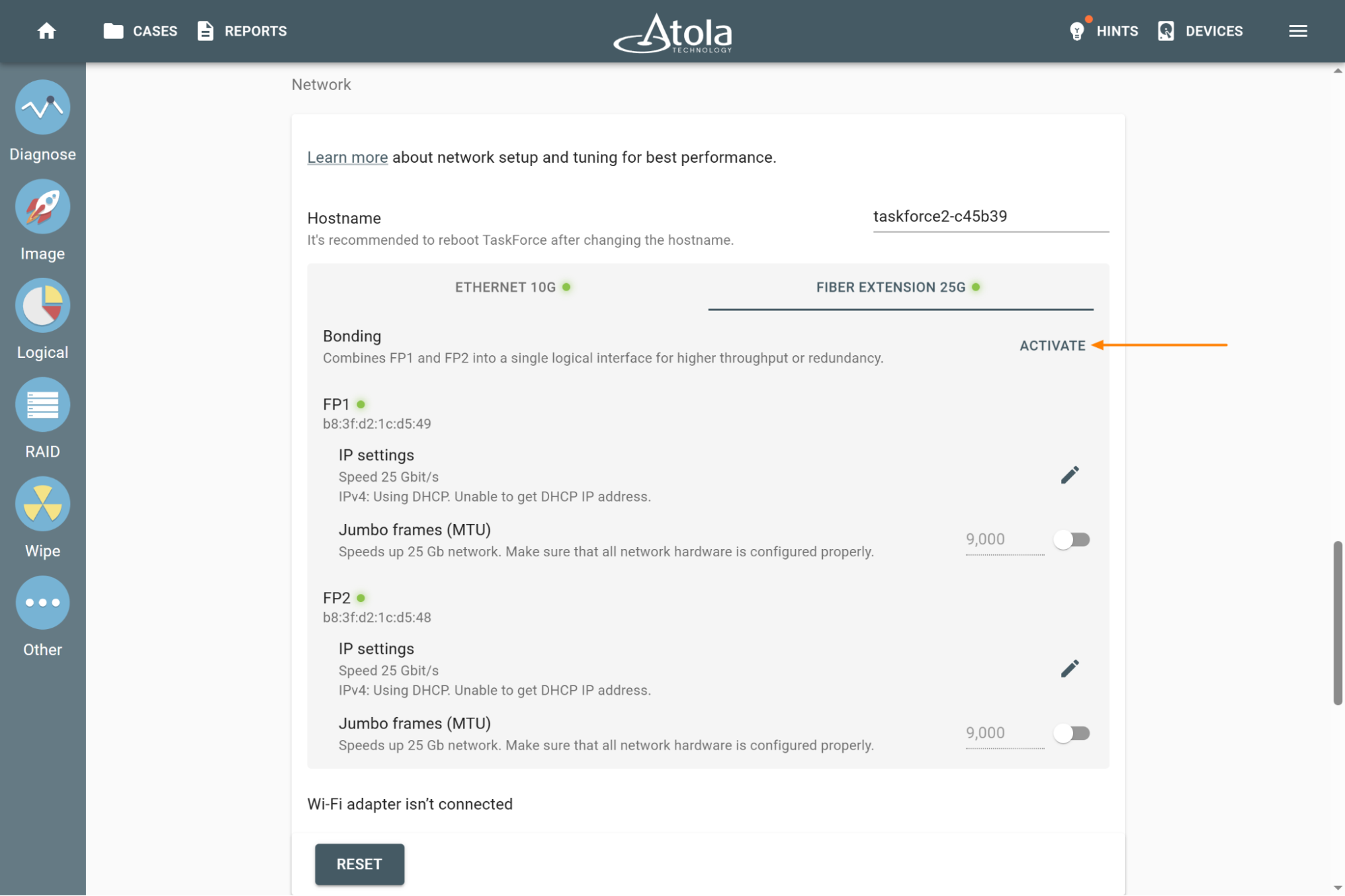
Activate bonding
Once bonding is enabled, both ports of the 25G Fiber extension get the same MAC address and share network settings.
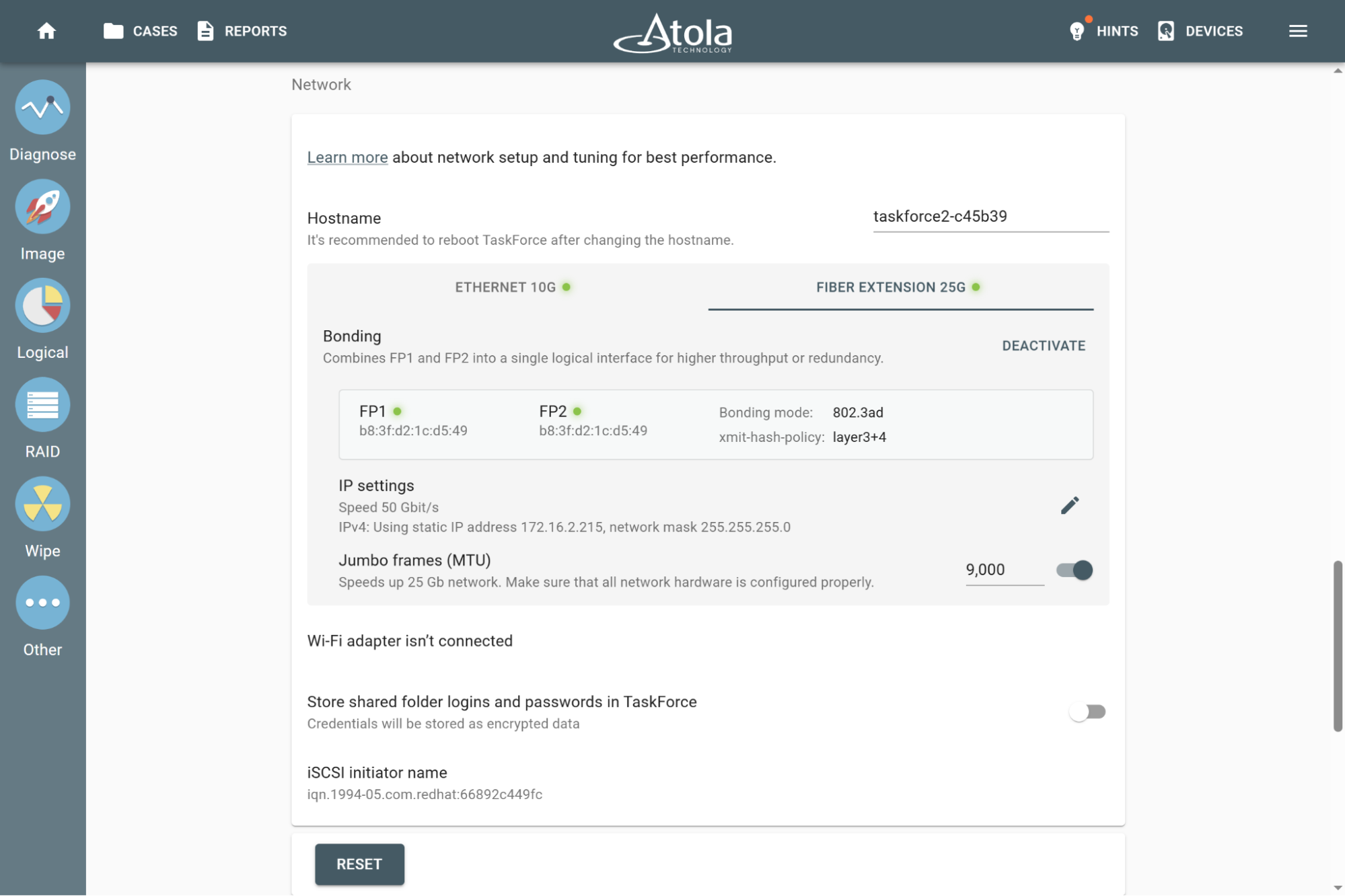
Activated 50Gbit bonding
To disable bonding, click the Deactivate button in the Bonding section of the Fiber tab.
