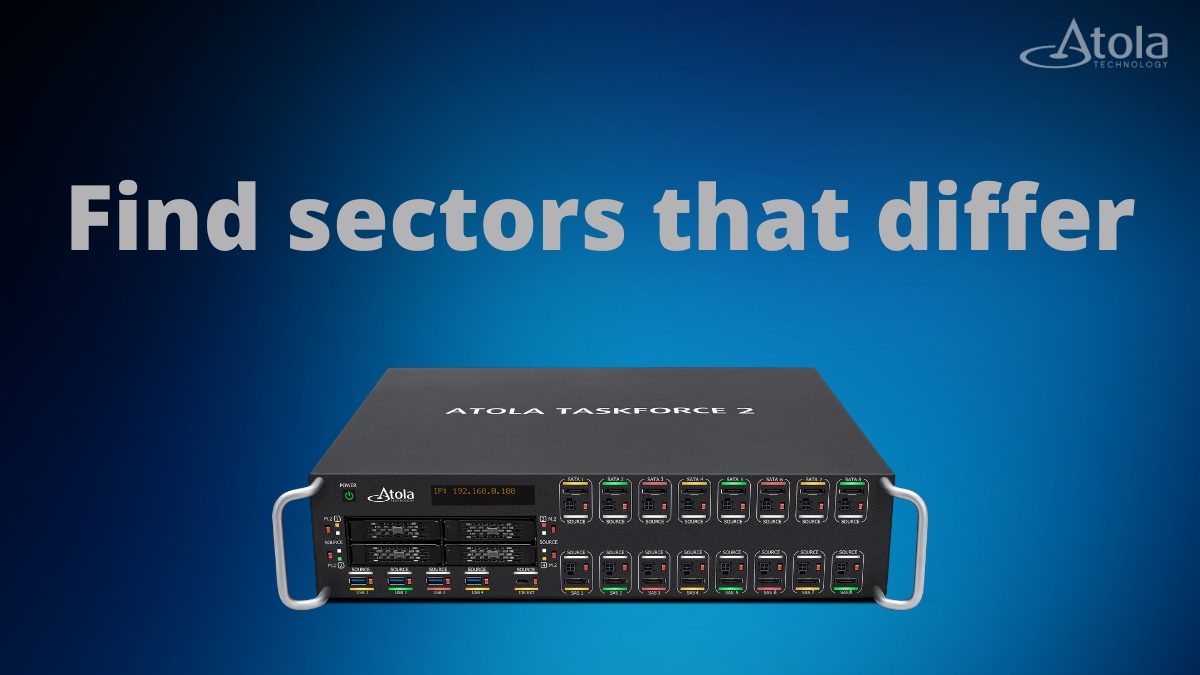
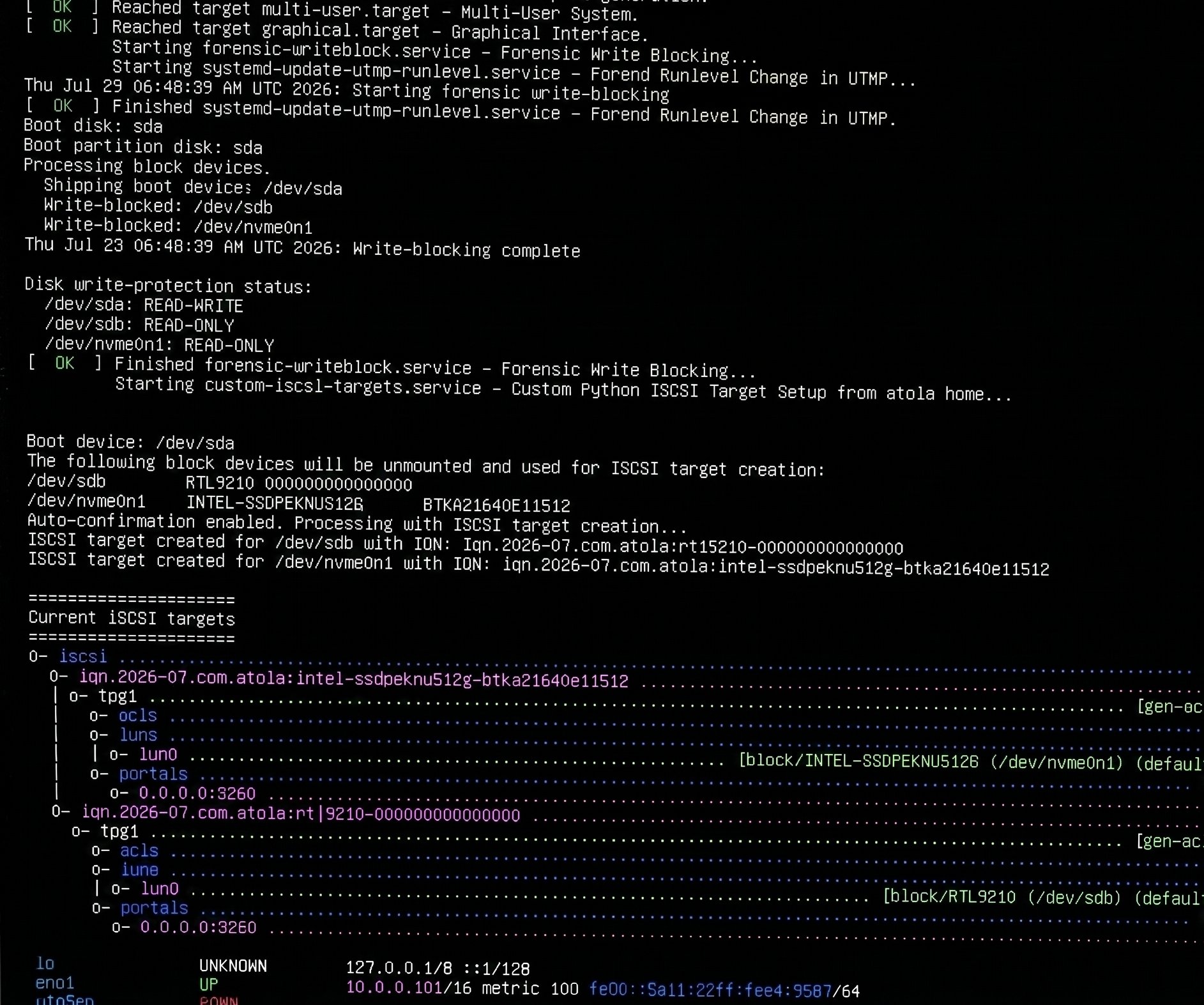
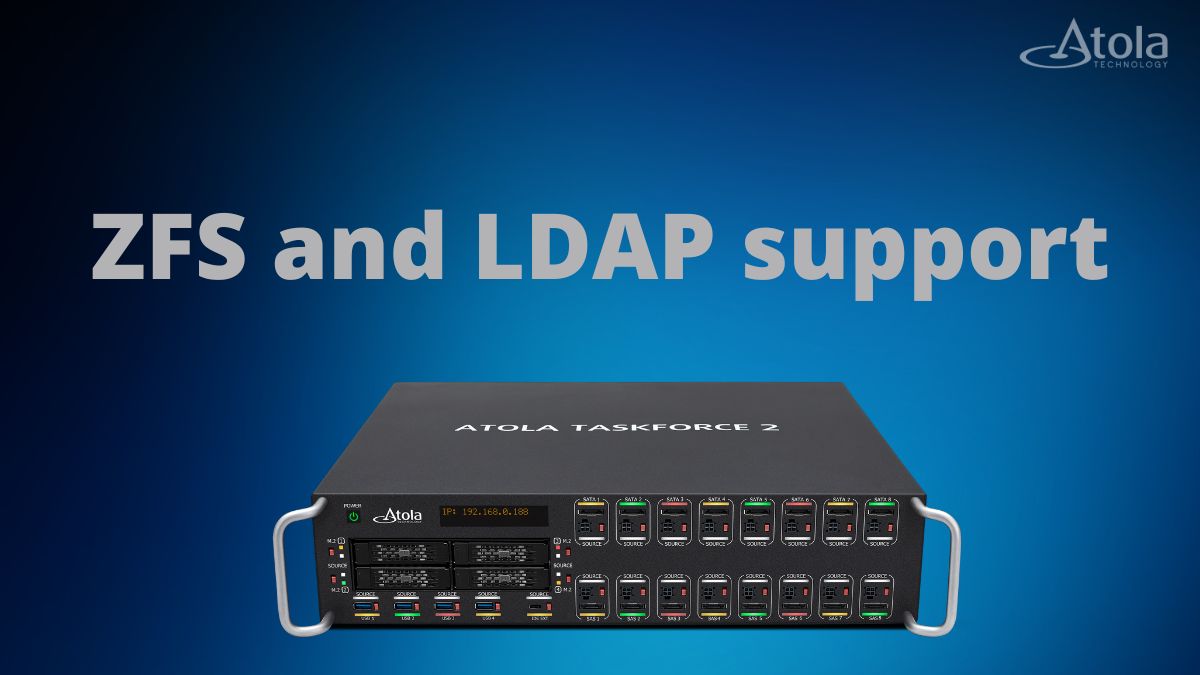
Meet the new kid on the block! After months of meticulous research, thoughtful development, and rigorous testing, Atola Technology is proud to announce a new hardware add-on for TaskForce and TaskForce 2 – 25G Fiber Extension.
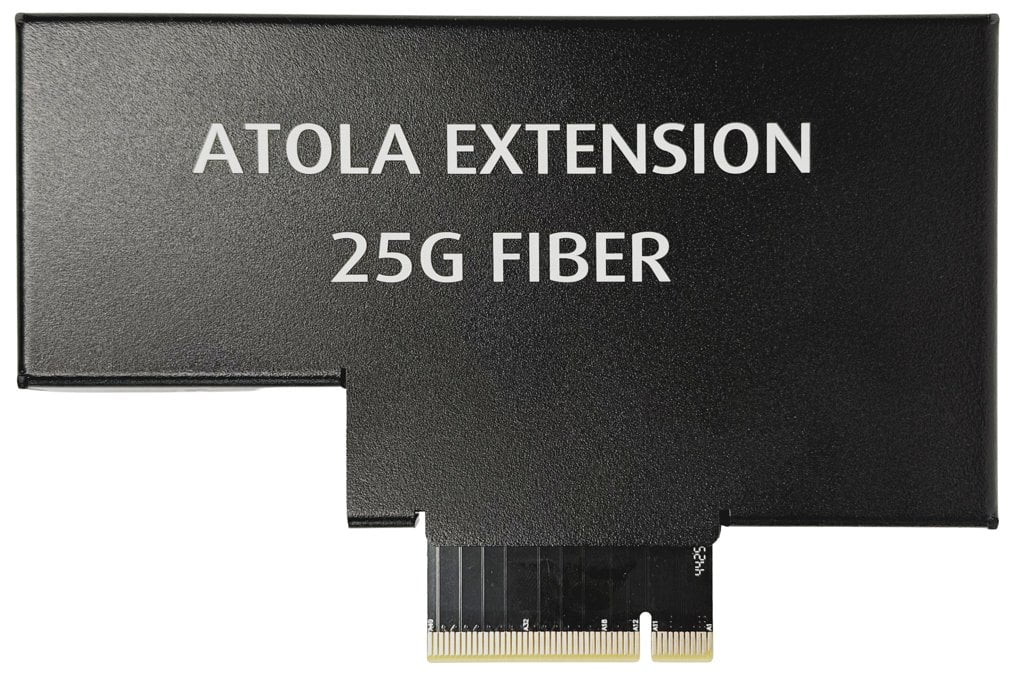
The system-wide support for the extension is included in the new TaskForce firmware update -Â 2026.2. The update also features new Web API endpoints and enhancements to enable more flexible automation workflows.
Let’s dive deeper into the update details!
Image to a network share at up to 50 Gb/s
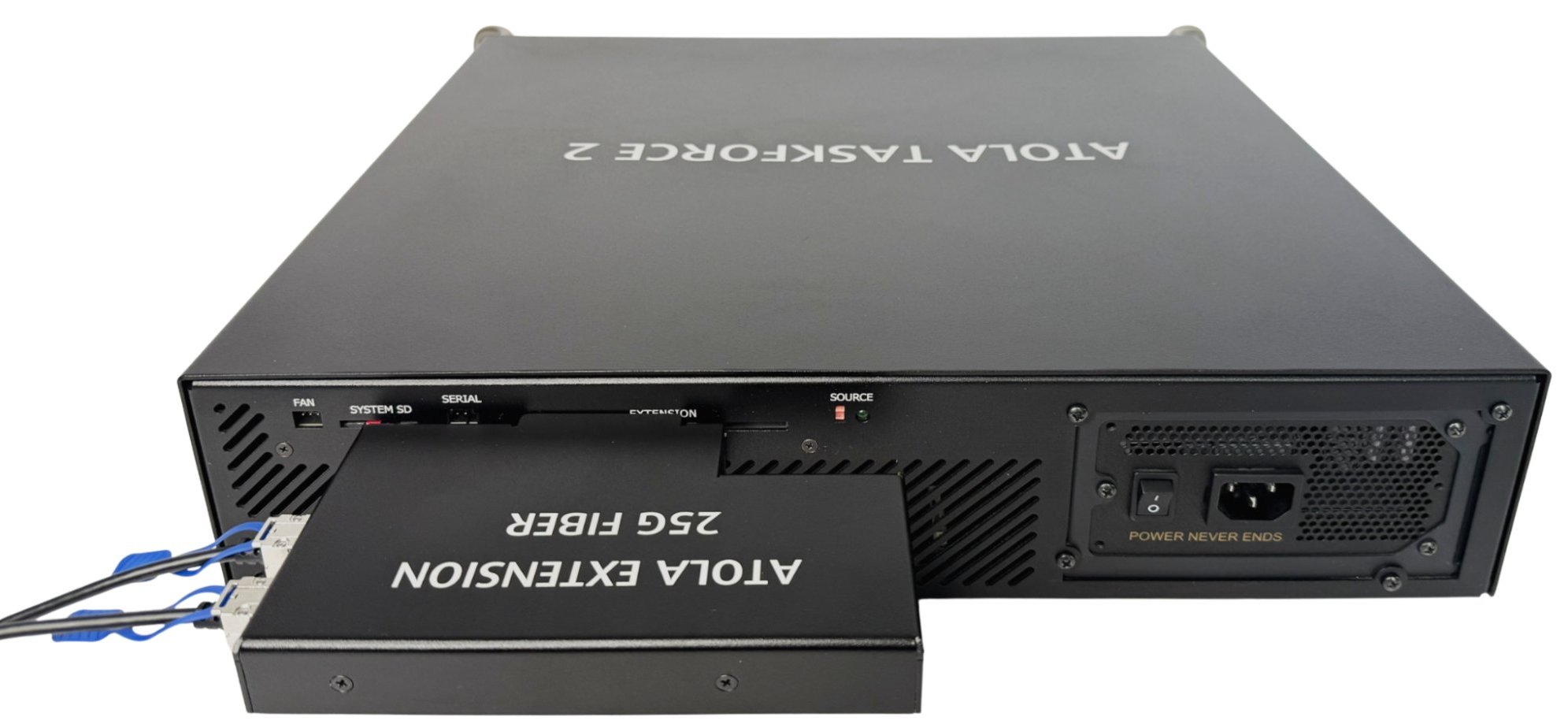
The new extension module is designed to integrate with your lab’s fiber-based network and shorten your total acquisition time, supporting data transfer speeds of up to 50 Gb/s.
Key features:
- Works with both TaskForce and TaskForce 2
- Dual 25 Gb/s SFP28 ports
- Built-in active cooling
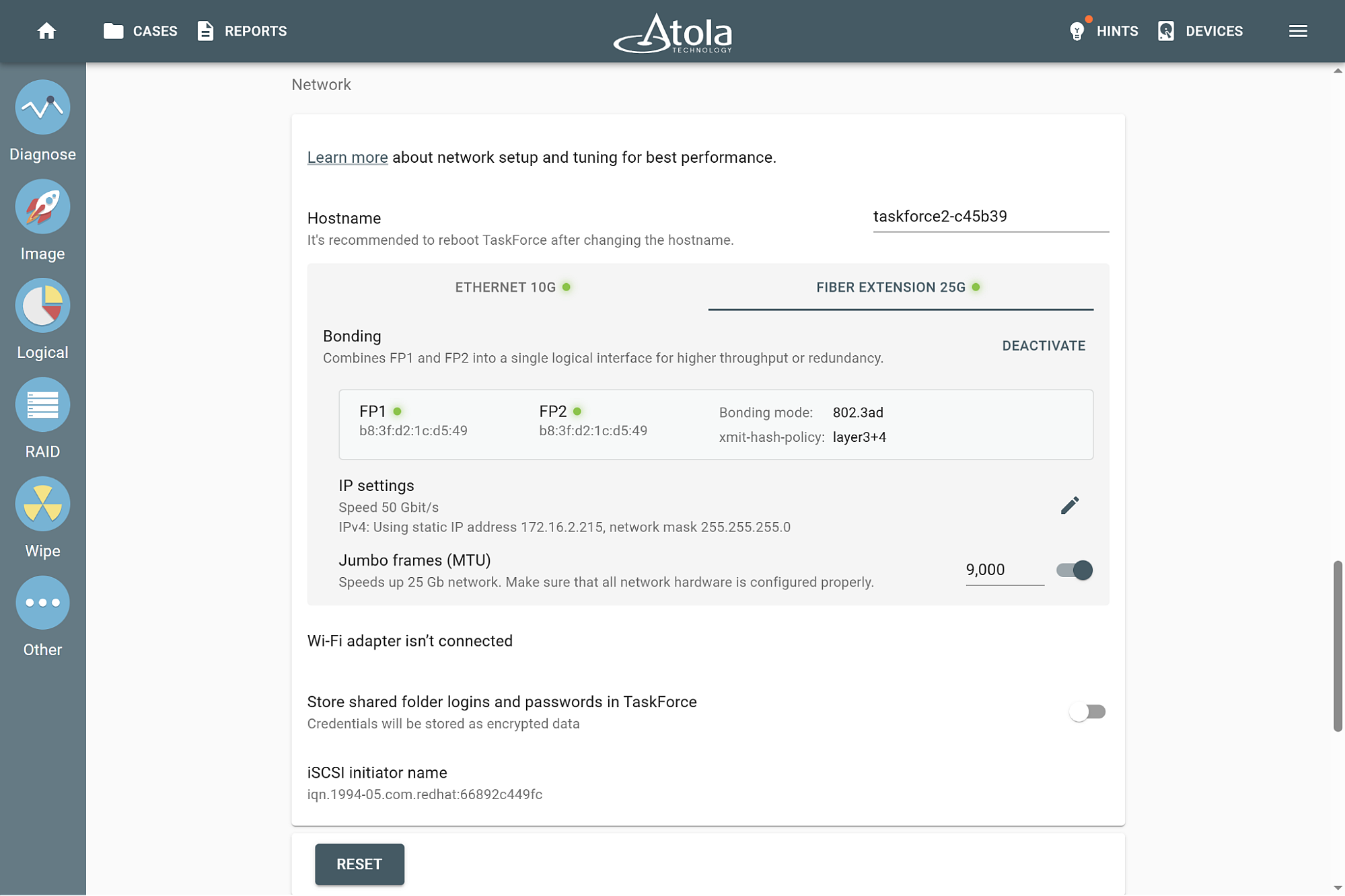
- Bonding support
- Compatibility with standard SFP28 transceivers and cables
The firmware update 2026.2 adds a specialized section to the TaskForce’s network settings to set up and customize connection properties.
Benefit from new API endpoints in your automation workflows
To make forensic workflow automation more flexible and adaptive, in the 2026.2 firmware update we’ve added several new Web API endpoints and parameters. These additions primarily relate to drive identification, case management, and network share mounting.Â
New Web API endpoints:
- /scan-port – Powers up the port and retrieves the information of the connected drive.
- /create-case – Creates a new case for a drive and associates it with the provided case details.
- /edit-case – Updates the details of an existing case.
Web API enhancements:
- dnsLookup parameter added to all endpoints that support network share mounting.
- mountOptions parameter added to all endpoints that support network share mounting.
- /check-task endpoint now returns state=initial when no task has been started on the port.
Download TaskForce 2026.2 update
To get access to all new features, download updates from our website:
- for Atola TaskForce
- for Atola TaskForce 2
Where to buy
To order the 25G Fiber extension, TaskForce or TaskForce 2 hardware unit, or to extend your subscription, contact Atola Technology directly or find a distributor near you.
To get more information about Atola TaskForce or to discuss the details, please contact Atola Technology sales department:
- Call us: +1 888 540 2010, +1 416 833 3501 10AM-6PM ET
Or email us
—
TaskForce 2026.2 Changelog
New Features
Atola 25G Fiber Extension support:
- Compatible with TaskForce 2 and TaskForce 1
- Two 25 Gbit SFP28 ports
- Bonding (link aggregation) support
- Built-in fan for reliable cooling
New Web API endpoints:
- /scan-port – Powers up the port and retrieves the information of the connected drive.
- /create-case – Creates a new case for a drive and associates it with the provided case details.
- /edit-case – Updates the details of an existing case.
Web API enhancements:
- dnsLookup parameter added to all endpoints that support network share mounting.
- mountOptions parameter added to all endpoints that support network share mounting.
- /check-task endpoint now returns state=initial when no task has been started on the port.
The actual API specification can be found at http://TASKFORCE_IP/api/help.
Imaging: Target image files are now reopened with read-only access when post-hash verification begins. Previously, files remained open with read-write access.
Network:
- Added optional DNS lookup configuration within the UI when connecting to a network share: CIFS mount.
- Network bonding mode is now supported in both TaskForce 2 and TaskForce 1.
Bugfixes
Hashing:
- An out-of-memory crash that could occur when verifying the hash of very large segmented image files (E01).
- Inability to launch two separate Hash tasks for different images on a Storage drive.
Logical imaging:Â Directory navigation restriction in the file picker that occurred during active L01/ZIP imaging tasks.
Web API:
- Imaging could not start when target server uses an older Samba version (2.1.1) and domain parameter was not specified in the API request.
- /check-task command failed to report the complete network path for resulting L01 images during logical imaging sessions.
A rare issue where remote Work Folder re-indexing would hang.
Valid CIFS mount options were incorrectly filtered out during configuration.
The network card and RAM temperature sensors might be reporting “N/A” instead of real-time thermal data.

- TaskForce 2026.10 update: Compare module and Seagate FARM log - October 15, 2026
- Image only files with artifacts in Insight Forensic 5.8 - June 18, 2026
- 25G Fiber extension + TaskForce 2026.2 update - March 26, 2026

Sergiy Pasyuta
Sergiy is an experienced technical writer with a passion for simplifying complex concepts in user manuals. With a keen eye for detail and a knack for clear communication, he crafts articles that guide users through our products’ functionalities.