Device Utilities
Atola Insight Forensic comes standard with a series of utility features for altering drive configurations and stored data. These features are usually used for research purposes, drive preparation for certain actions, or other case-specific tasks. These utilities eliminate the need in additional products used for minor tasks, which makes managing cases more efficient.
Disk Editor
Analyze device data on the byte level. View and modify any sector with a single click of a button.
Navigate faster. Insight Forensic seamlessly reads device space in infinite mode: bytes are loaded automatically as you scroll the hex viewer up or down. Quickly jump to a certain position using the Go to sector button or Ctrl + G keyboard shortcut. Two more convenient shortcuts: Ctrl + Home immediately brings you to the first sector of a drive and Ctrl + End gets you to the last sector.
Search for hex strings easier. To quickly find a certain byte sequence, go to the Data inspector tab or press Ctrl + F shortcut and enter a string you are searching for. Use Find previous and Find next buttons to cycle through found byte sequences.
Understand bytes quicker. Save time when interpreting bytes thanks to the Data inspector feature. It converts hex value to decimal (8-, 16-, 24-, 32-bit integer) or binary format on the fly.
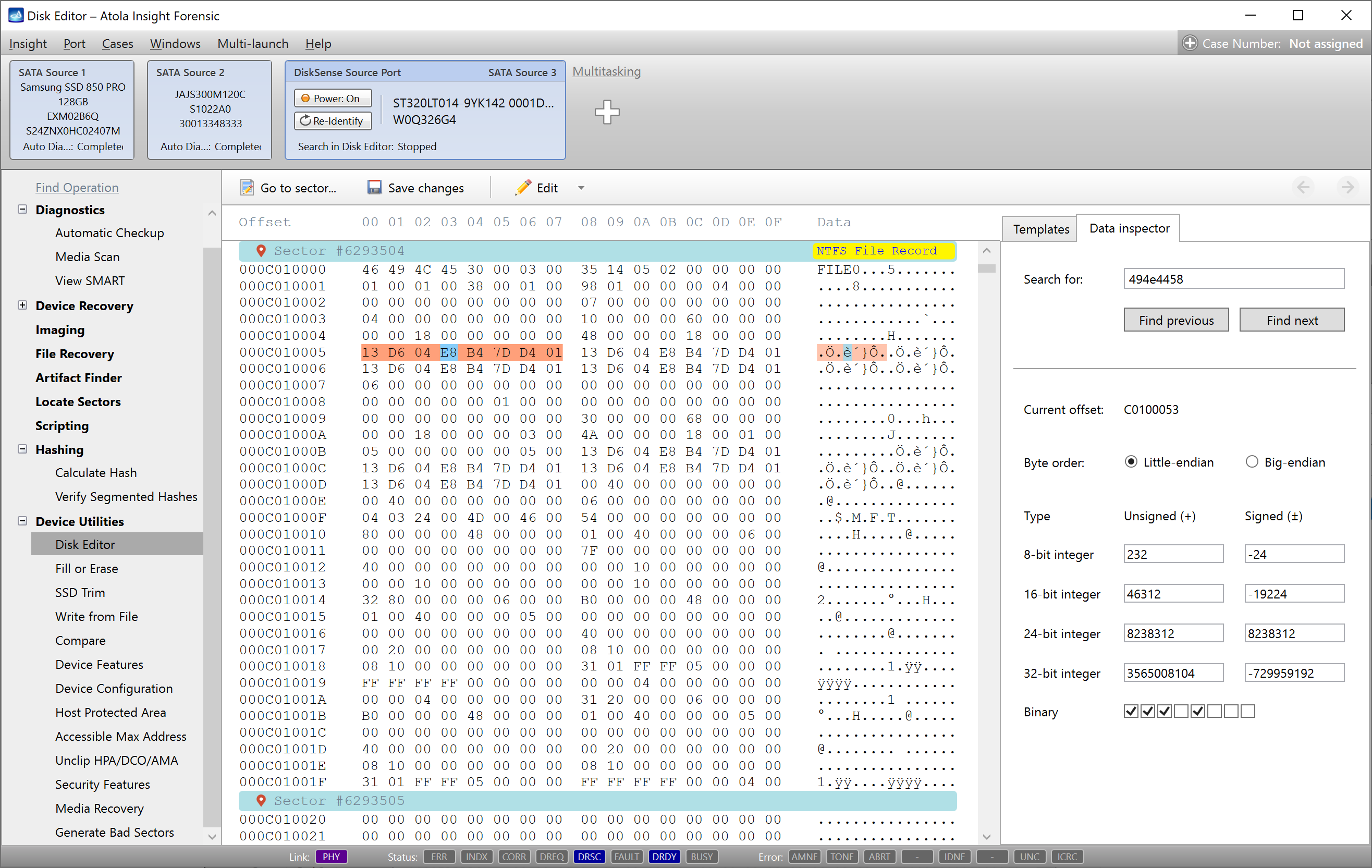
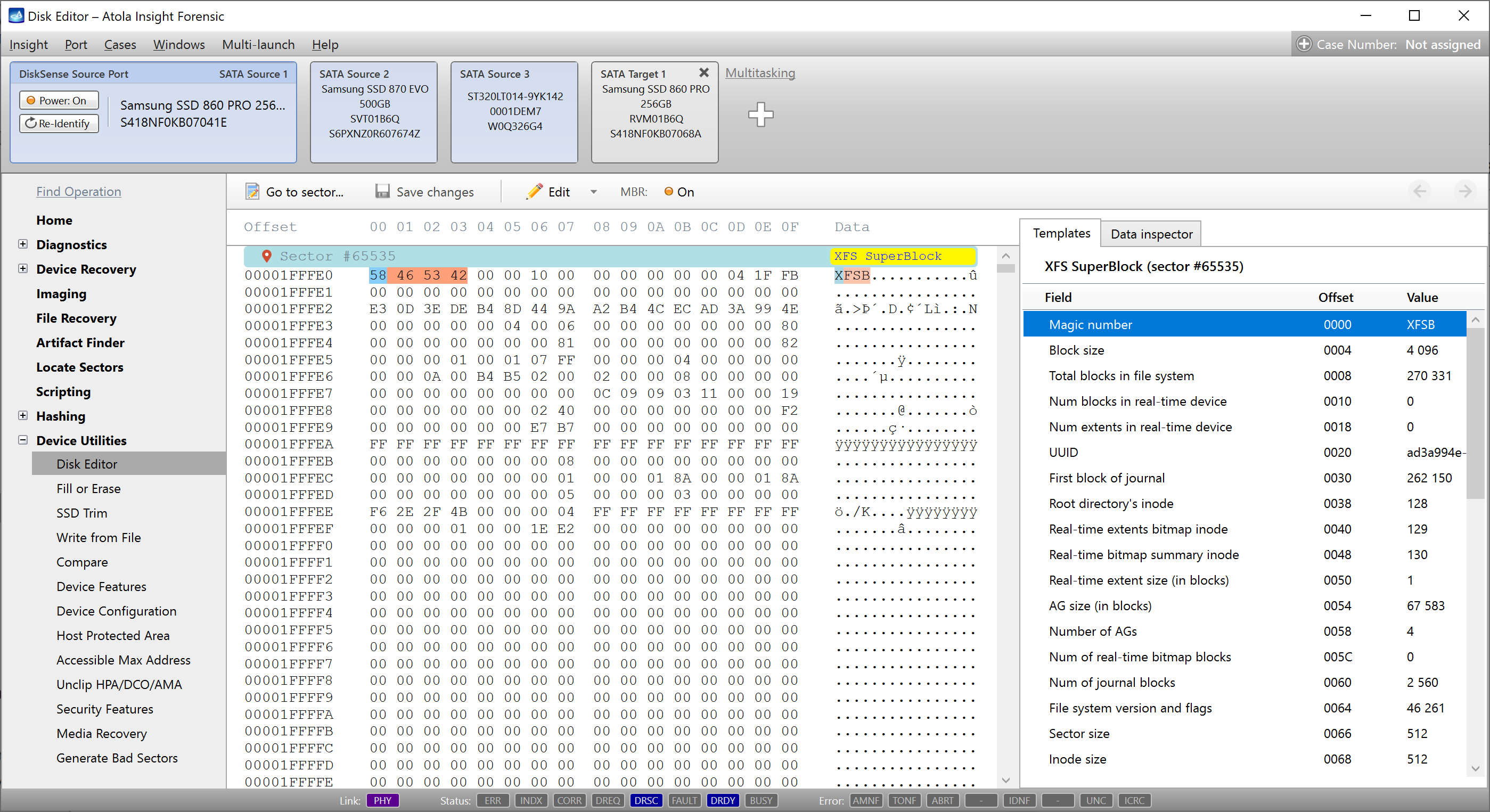
Detect file system structures automatically. Automated sector analysis is built into Disk Editor. When viewing sectors, known metadata is automatically parsed into a human-readable form. Supported metadata structures:
- APFS NX Container
- exFAT Boot Sector
- ext Directory Entry
- ext Group Descriptor
- ext Inode
- ext Superblock
- EBR (Extended Boot Record)
- FAT32 Boot Sector
- FAT Boot Sector
- GUID Partition Header
- GUID Partition Table
- MBR (Master Boot Record)
- HFS Master Directory Block
- HFS B-Tree header
- HFS Volume Header
- NTFS Boot Sector
- NTFS Index Buffer
- NTFS File Record
- XFS Inode
- XFS Superblock
Fill or Erase
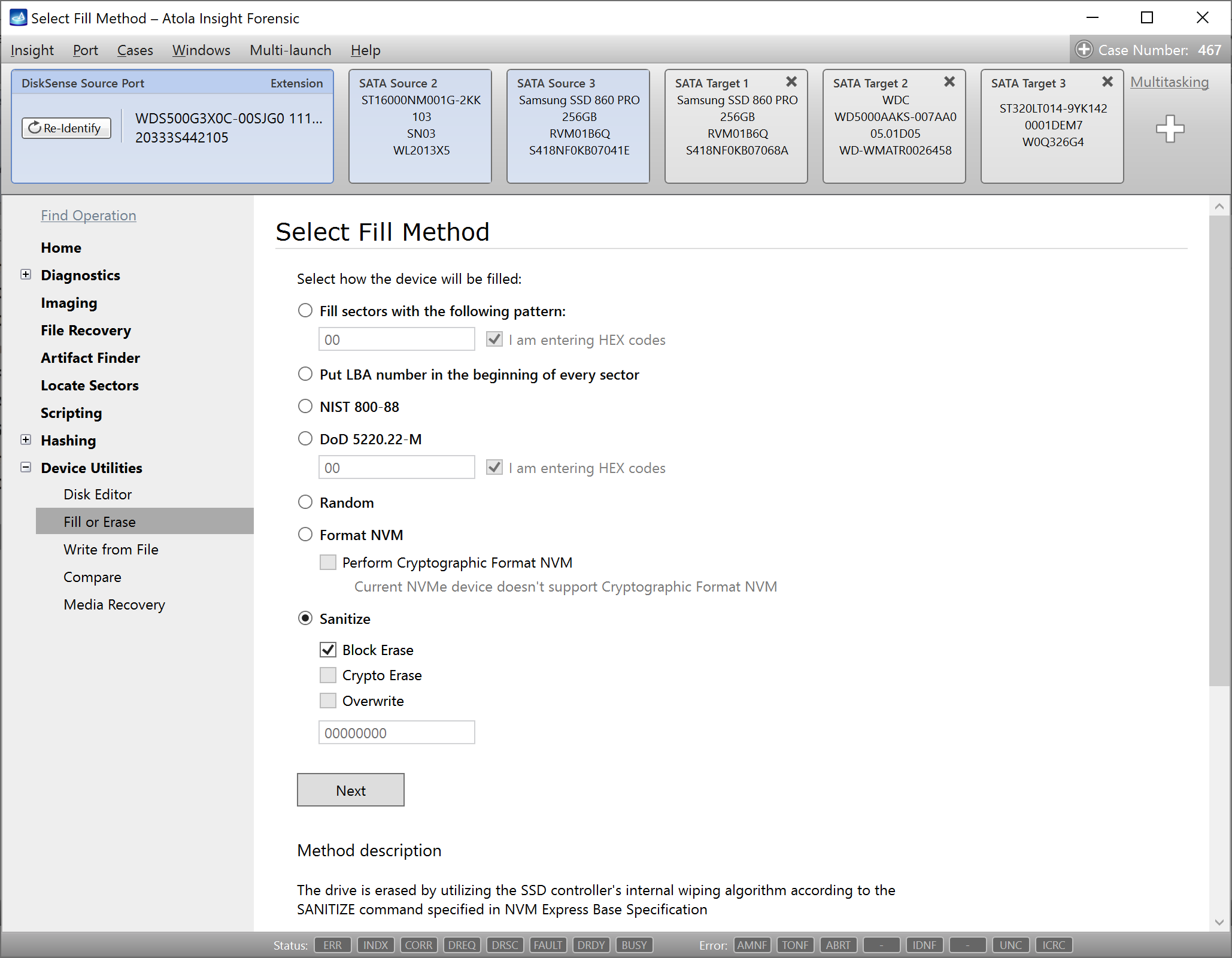
Many organizations require that target drives are wiped/erased before they are used to store forensic images. This is usually done to ensure the accuracy of data and, at the same time, verify the destination drive for any errors by overwriting its every sector.
Atola Insight wipes drives at their maximum write speed using various methods:
- Zero-fill
- Custom pattern
- LBA number in each sector
- NIST 800-88
- DoD 5220.22-M
- Random
- Secure Erase
- Format NVM
- Sanitize
For secure wiping of SSD drives, it is highly recommended to use methods based on drive firmware commands such as Secure Erase, Format NVM or Sanitize. Not only do they erase all addressable sectors, but they also erase the drive's internal metadata, which is not accessible by the operating system.
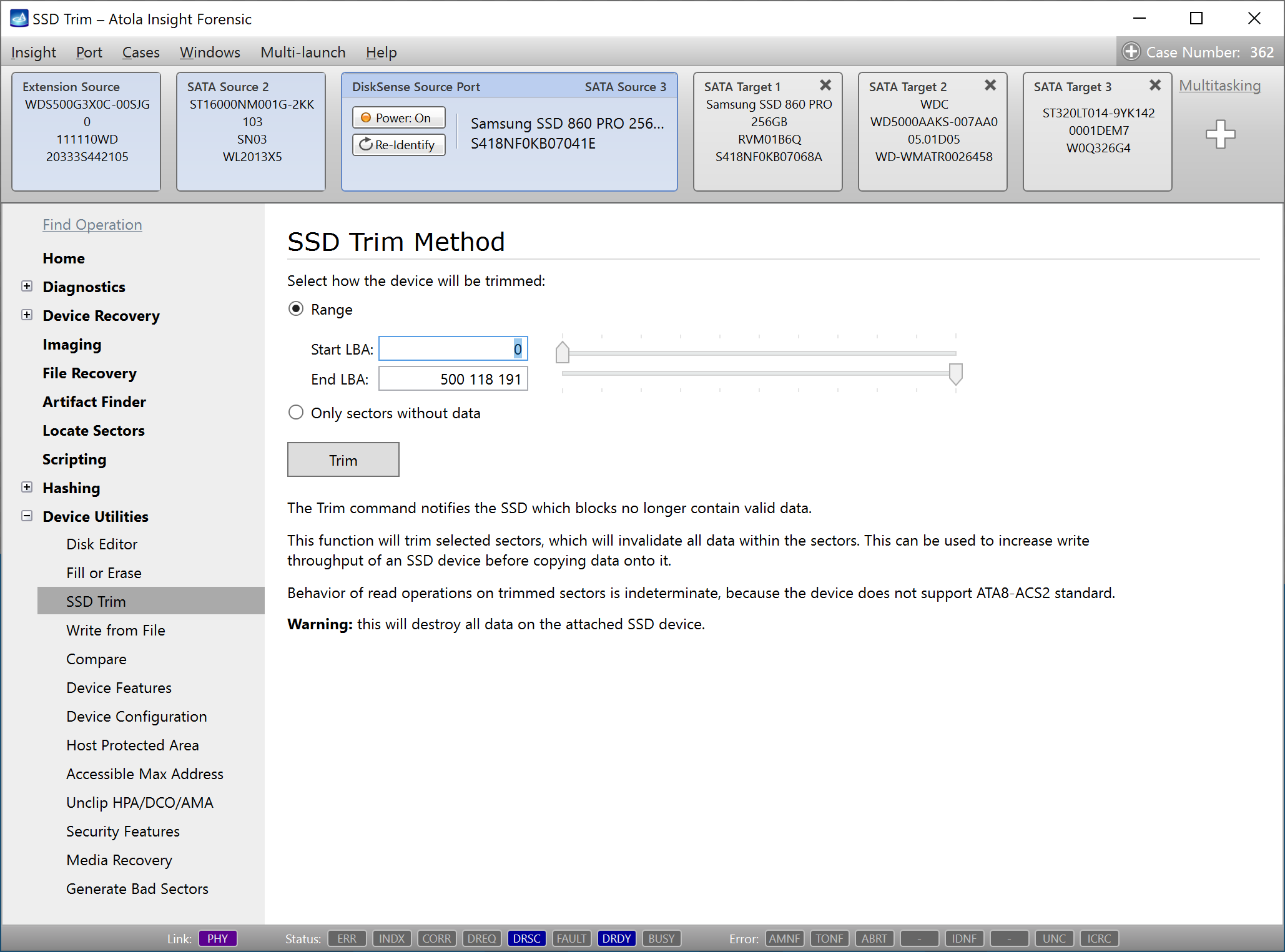
SSD Trim
We recommend trimming SSD drives used as target media on a regular basis to maximize data transfer speed. Additionally, this module shows how an attached SSD behaves during read operations on trimmed sectors.
Write from File
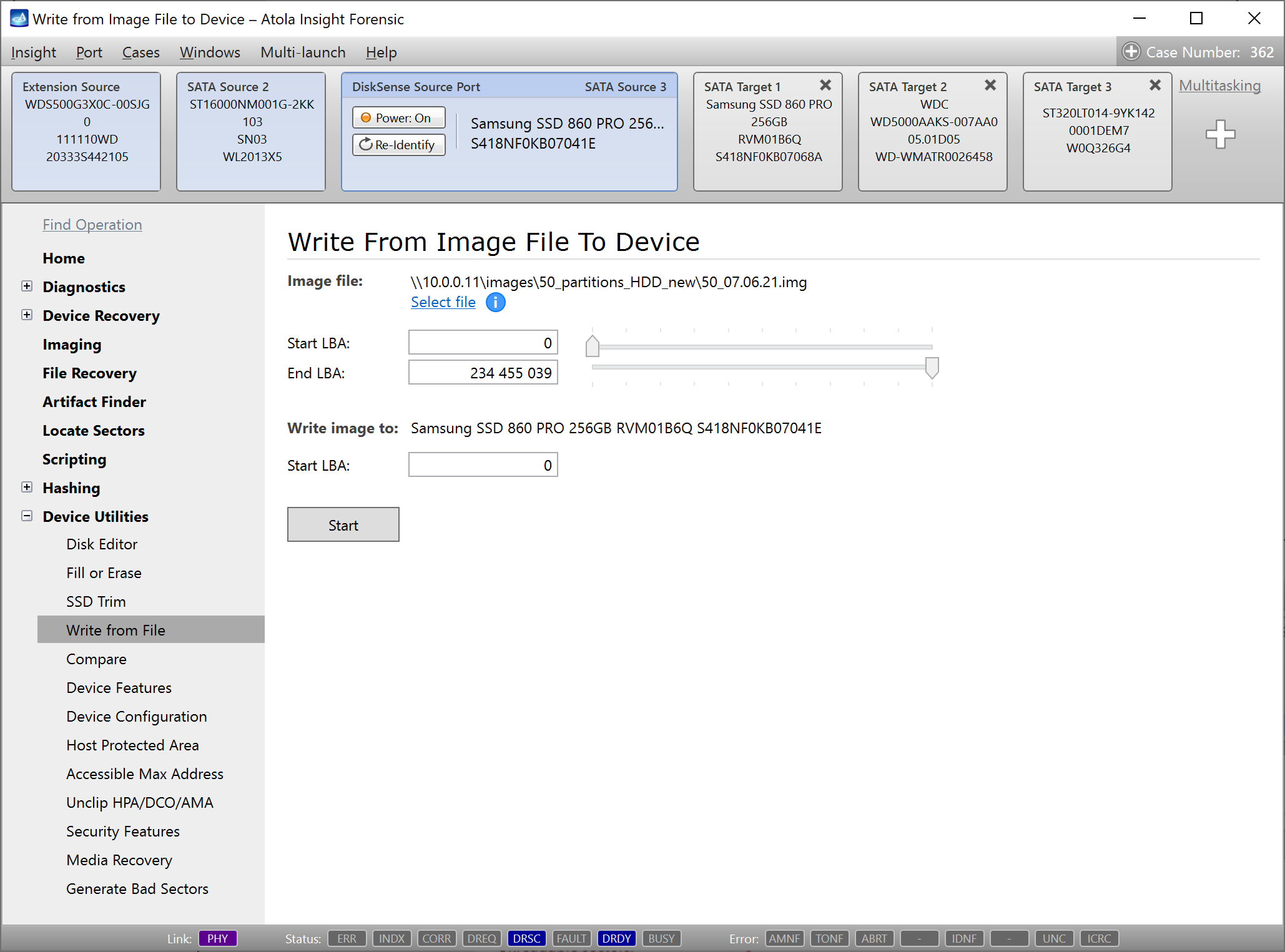
To restore a drive from an image file, the Write from File feature allows easy file selection (raw, E01 and AFF4 are supported) and creating an identical copy of the original evidence drive. Alternatively, image a specific range of sectors from the file and to a specific location on the target drive by setting the start LBA.
Compare Devices
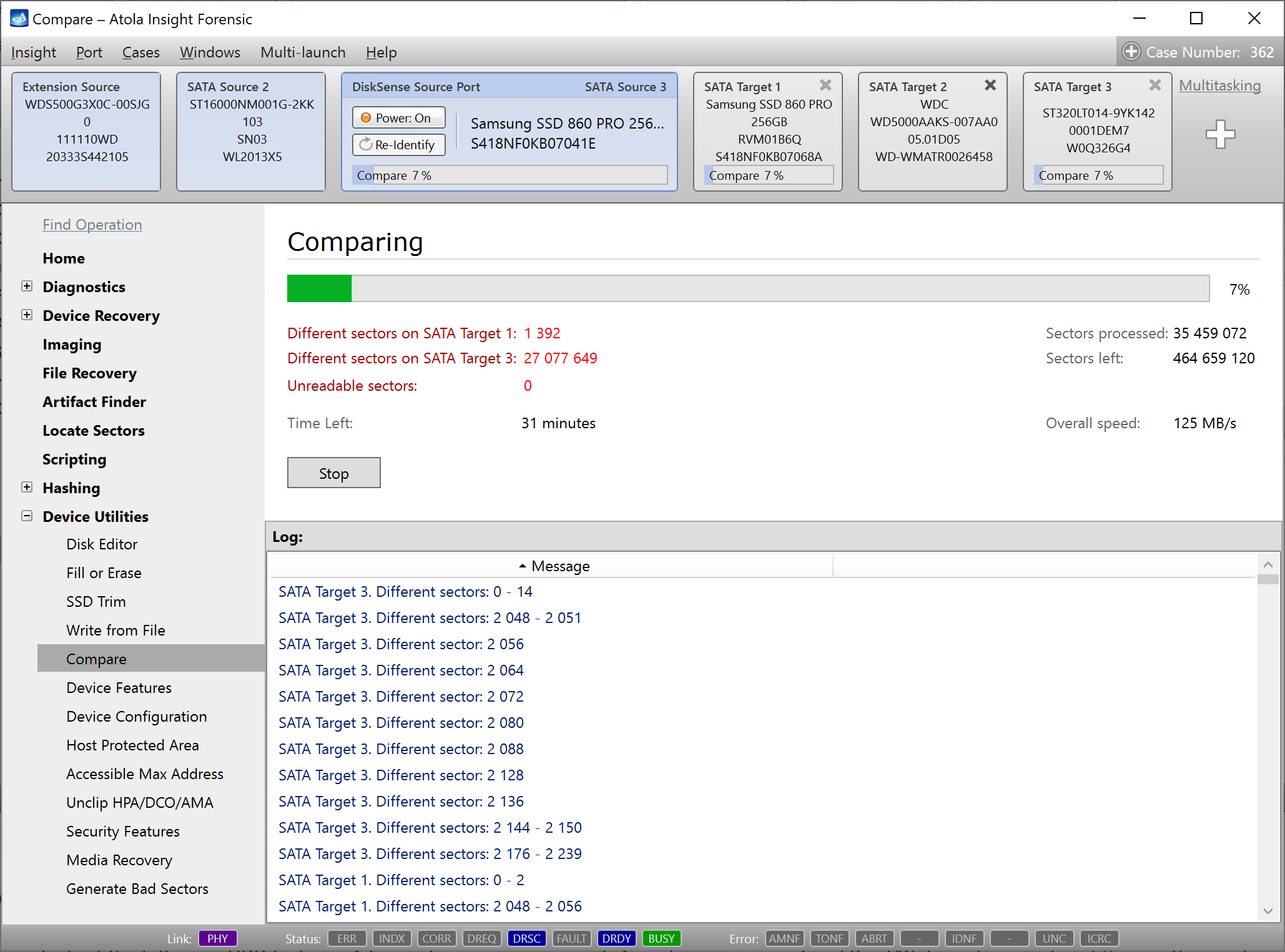
Compare data stored on any 2 or more devices sector-by-sector. The number of matching and non-matching sectors is listed in real time for reference. This function is used to check whether or not two hard drives are identical.
Device Features
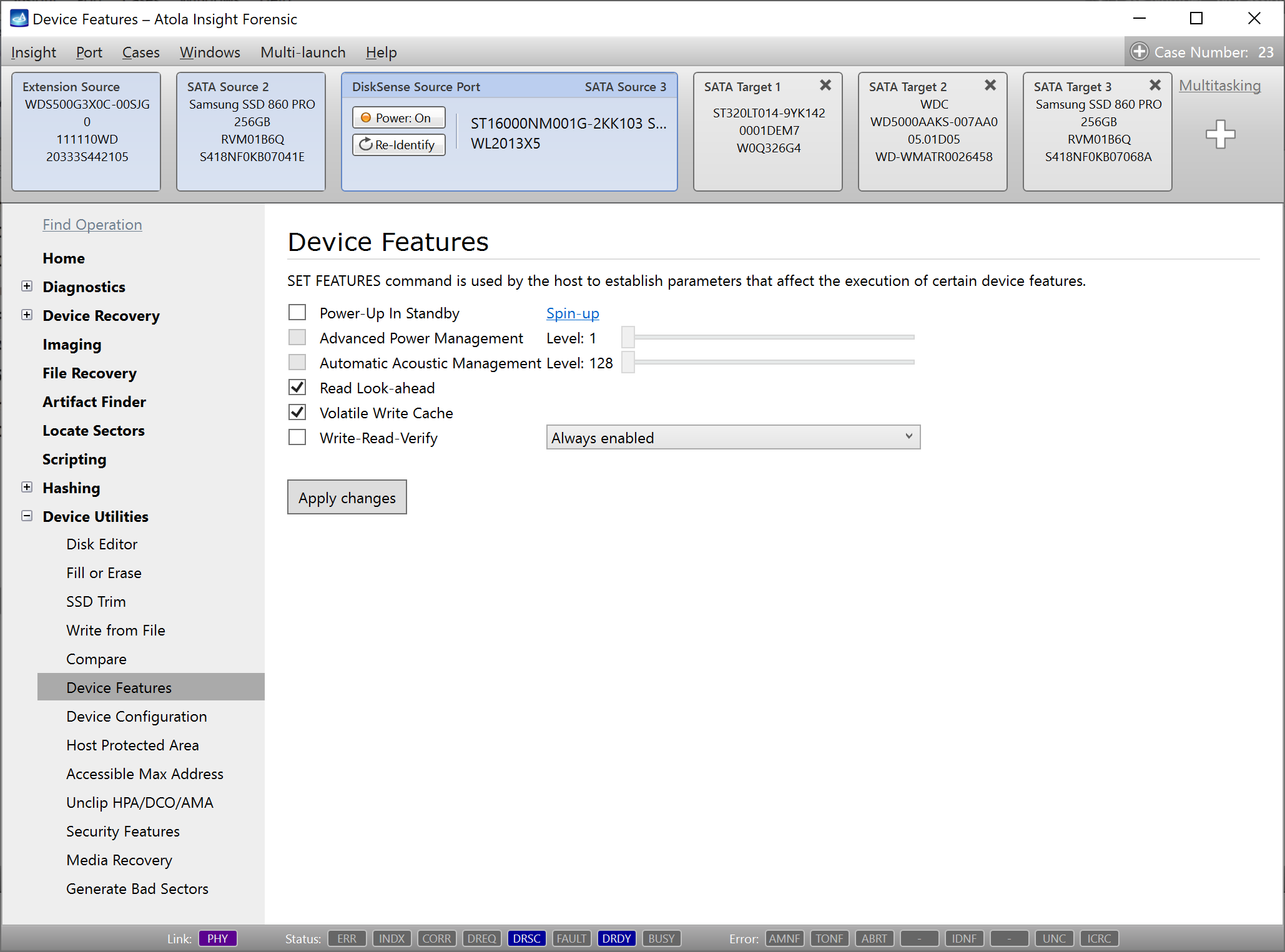
Access and adjust the following HDD features: Advanced power management, Acoustic management and Read/Write caching via Insight's smooth, user-friendly interface.
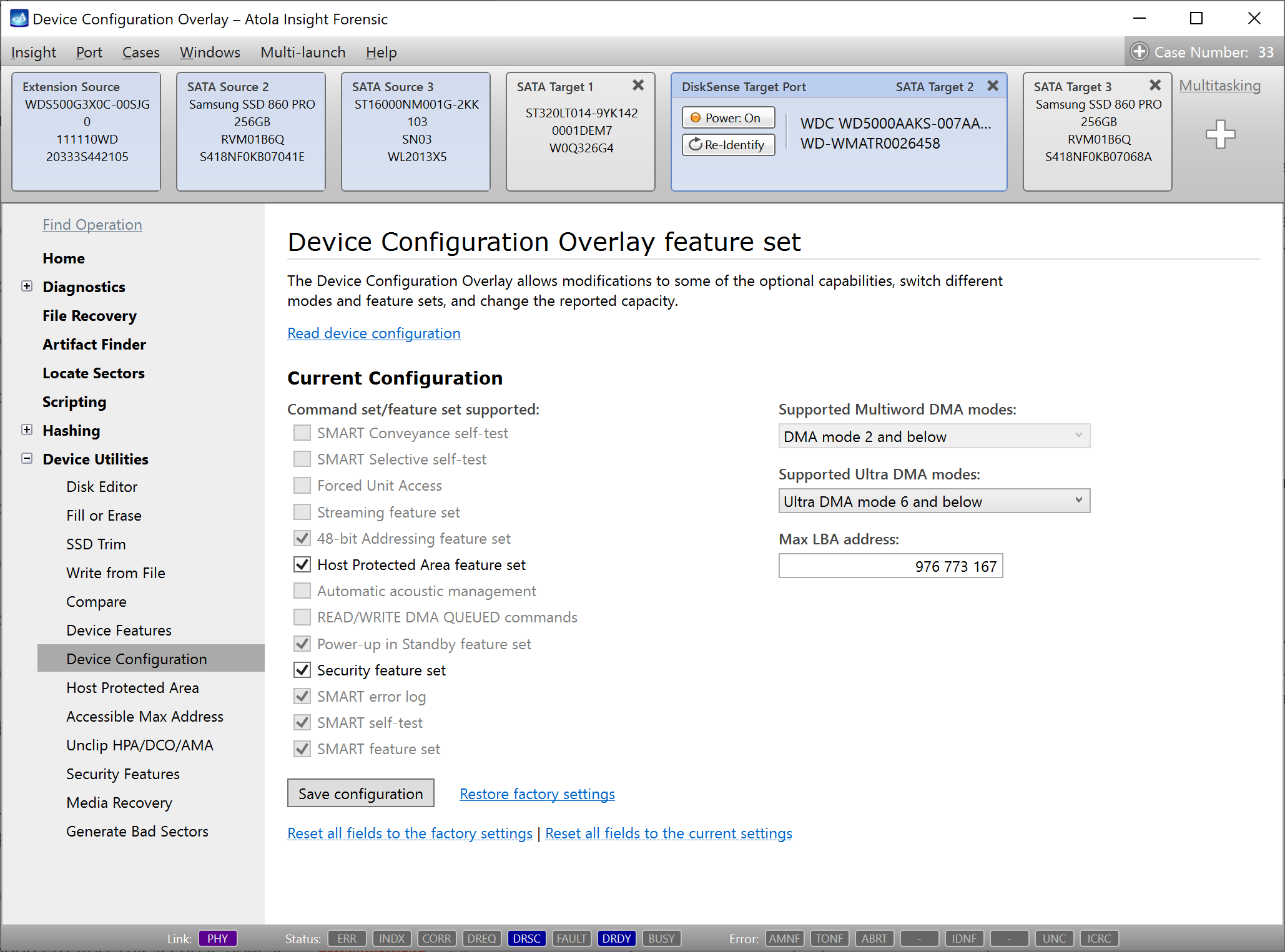
Device Configuration Overlay (DCO)
Allows reading and adjusting the current device configuration including modification of the drive capacity.
Access and modify the following hard drive parameters using Atola Insight's interface.
- Display/Enable/Disable supported features sets
- HPA (Host Protected Area) feature set
- SMART feature set (including SMART self tests)
- Streaming feature set
- 48-bit LBA feature set
- AAM (Automatic Acoustic Management feature set)
- Command queuing feature set
- Power saving feature set
- Security feature set
- MWDMA and UDMA feature set
- Forced Unit Access
- Maximum LBA number
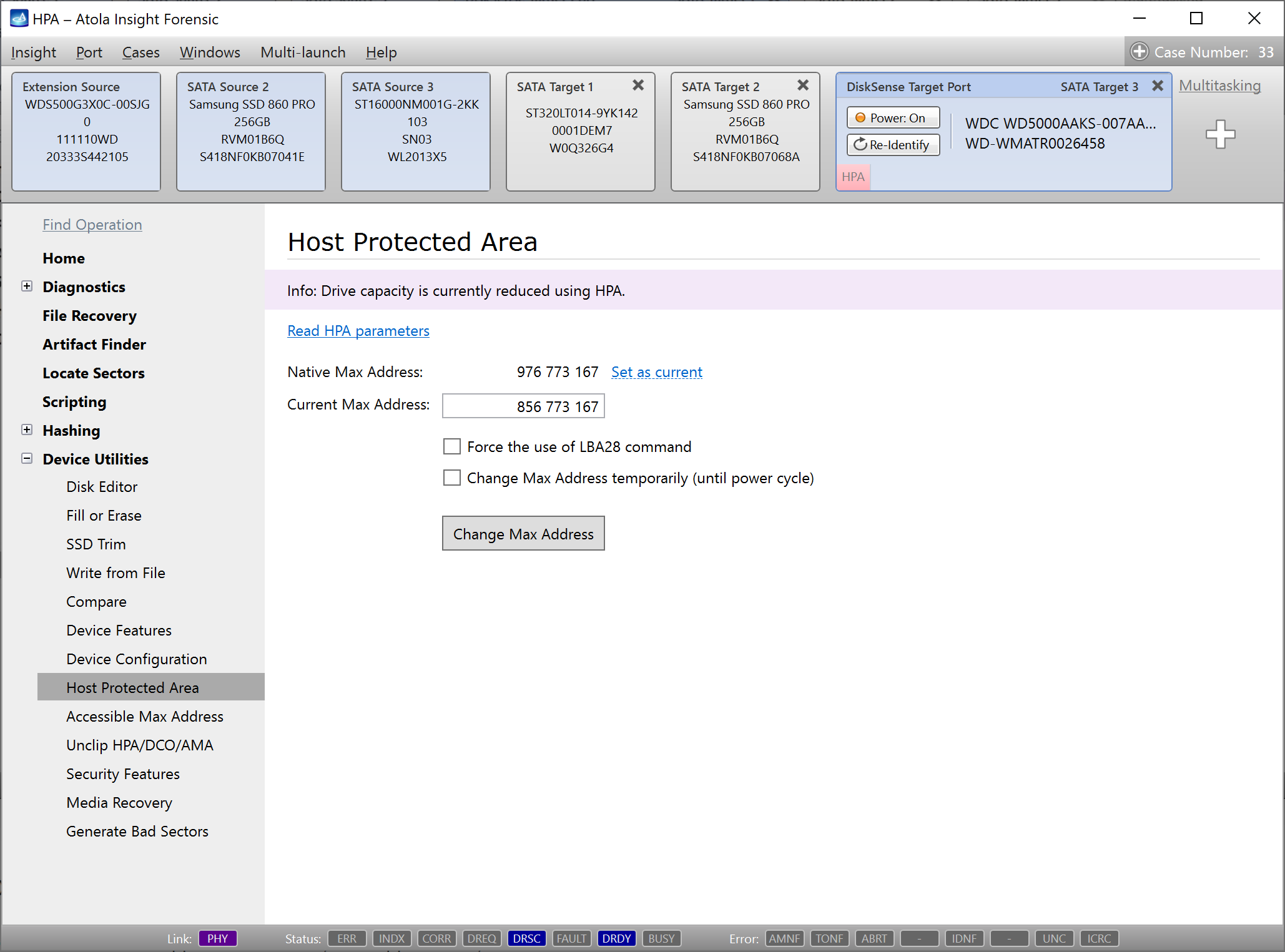
Host Protected Area (HPA)
Access and modify the HPA max address restriction. It is frequently used to unlock a hidden drive area created on an evidence drive.
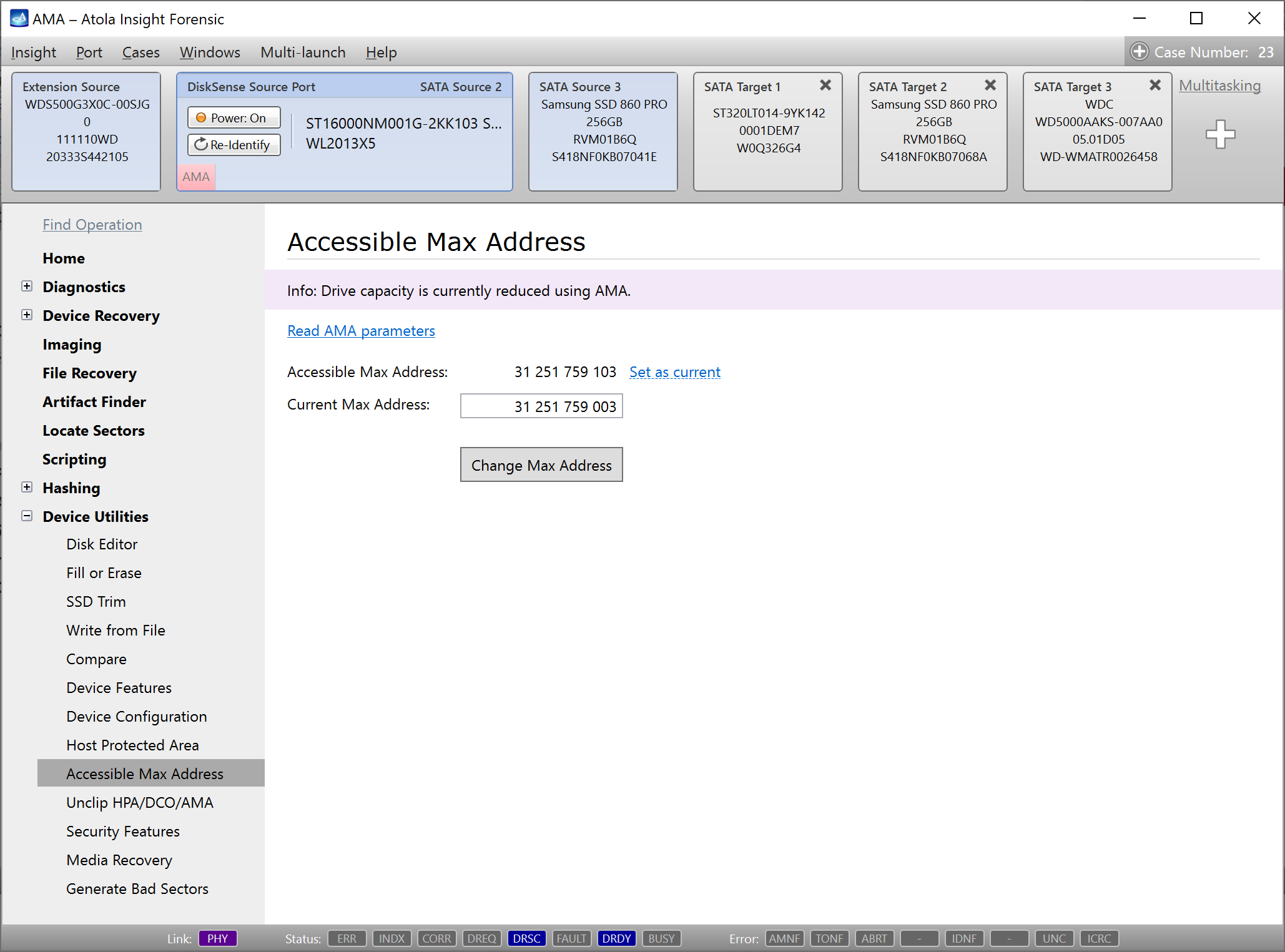
Accessible Max Address (AMA)
Some new drives don't support HPA or DCO, but support AMA, that stands for Accessible Max Address. AMA came to substitute HPA in the modern drive families. Insight detects AMA max address limitation in Automatic Checkup and helps access a hidden area of your evidence drive via the AMA page in Device Utilities.
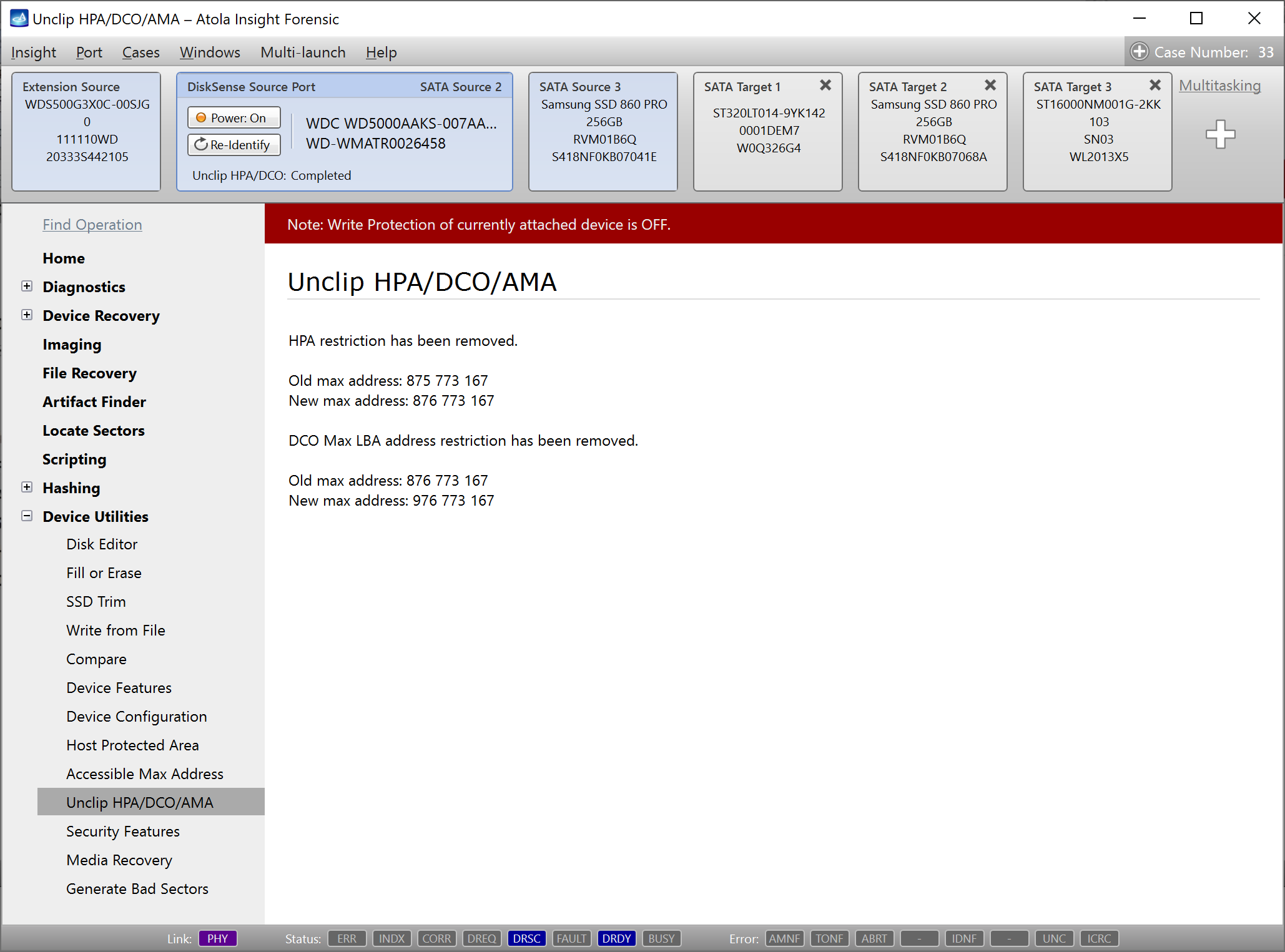
Unclip HPA/DCO/AMA
Automatically removes LBA address restrictions set via Host Protected Area (HPA), Device Overlay Configuration (DCO), or Accessible Max Address (AMA).
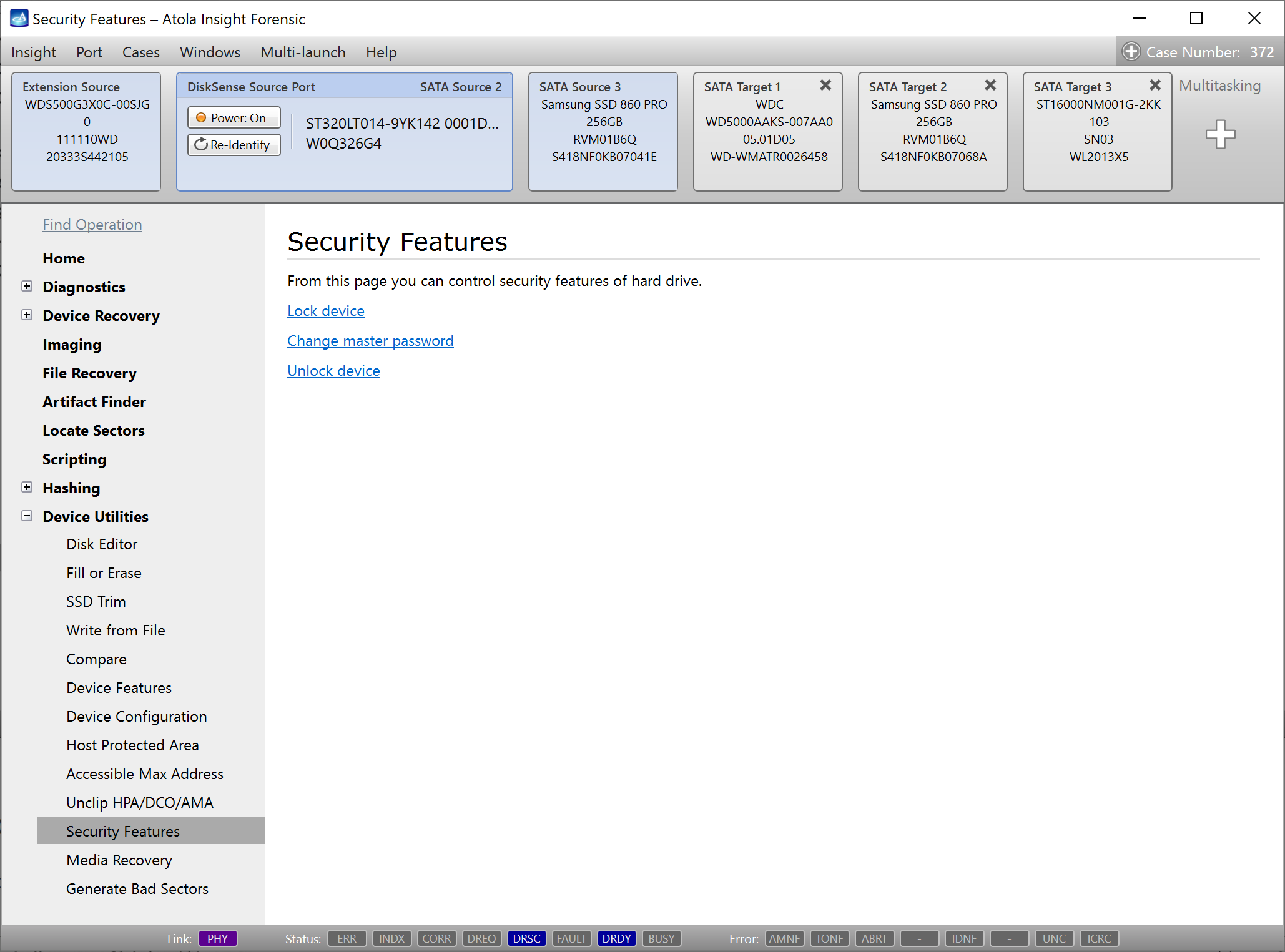
Security features
Manage a drive's ATA Security feature set quickly and easily. Using this function, you can set or clear the User ATA password (both High and Maximum levels are supported) and change the Master ATA password.
For drives that arrive in the ATA-locked state, access can be restored automatically using Atola Insight's ATA-locked drive access function (see details)
Media Recovery
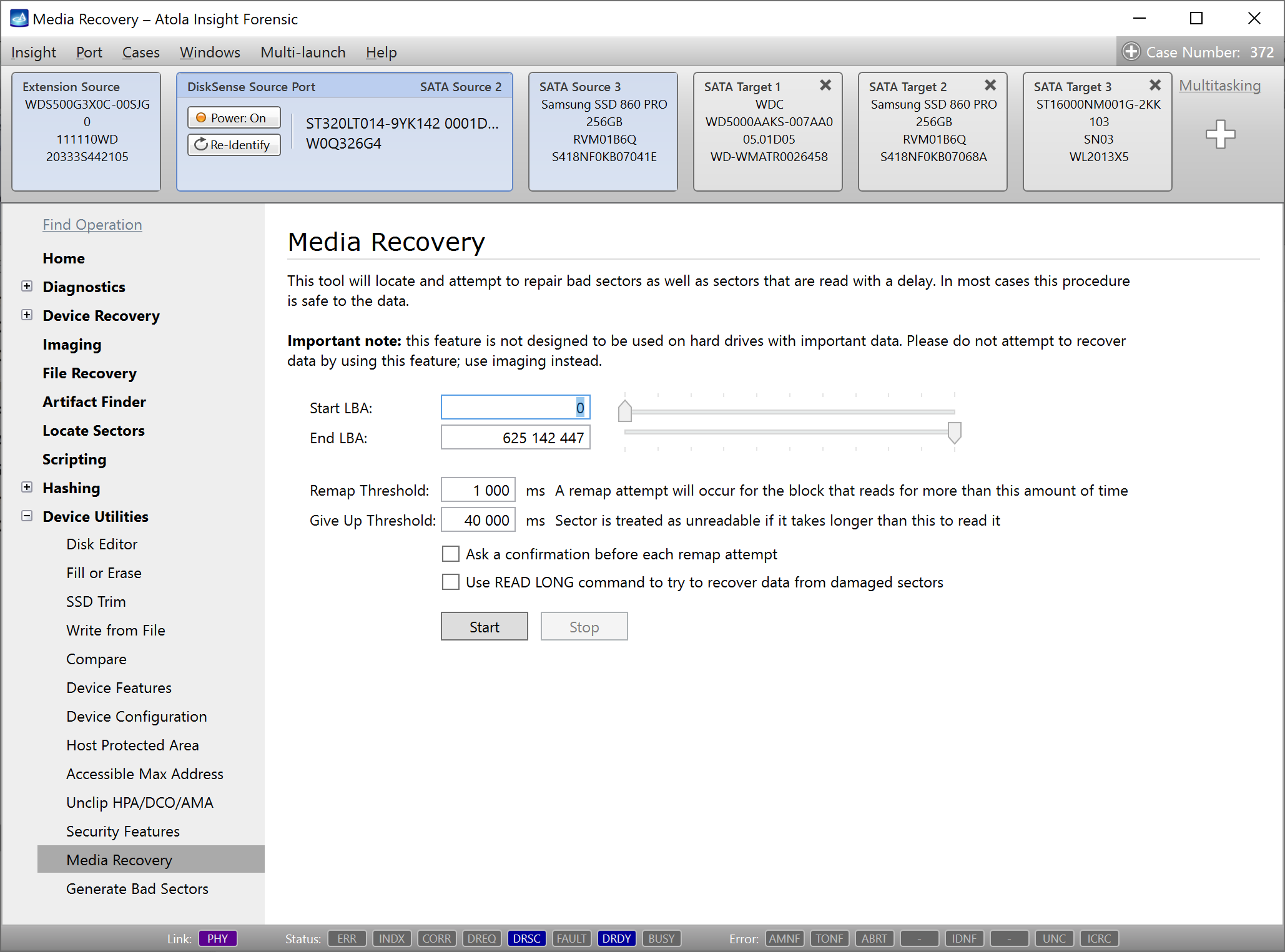
Quickly and easily repair so-called Software Bad Sectors (sectors with damaged ECC field). This feature is generally used for light bad sector repair.
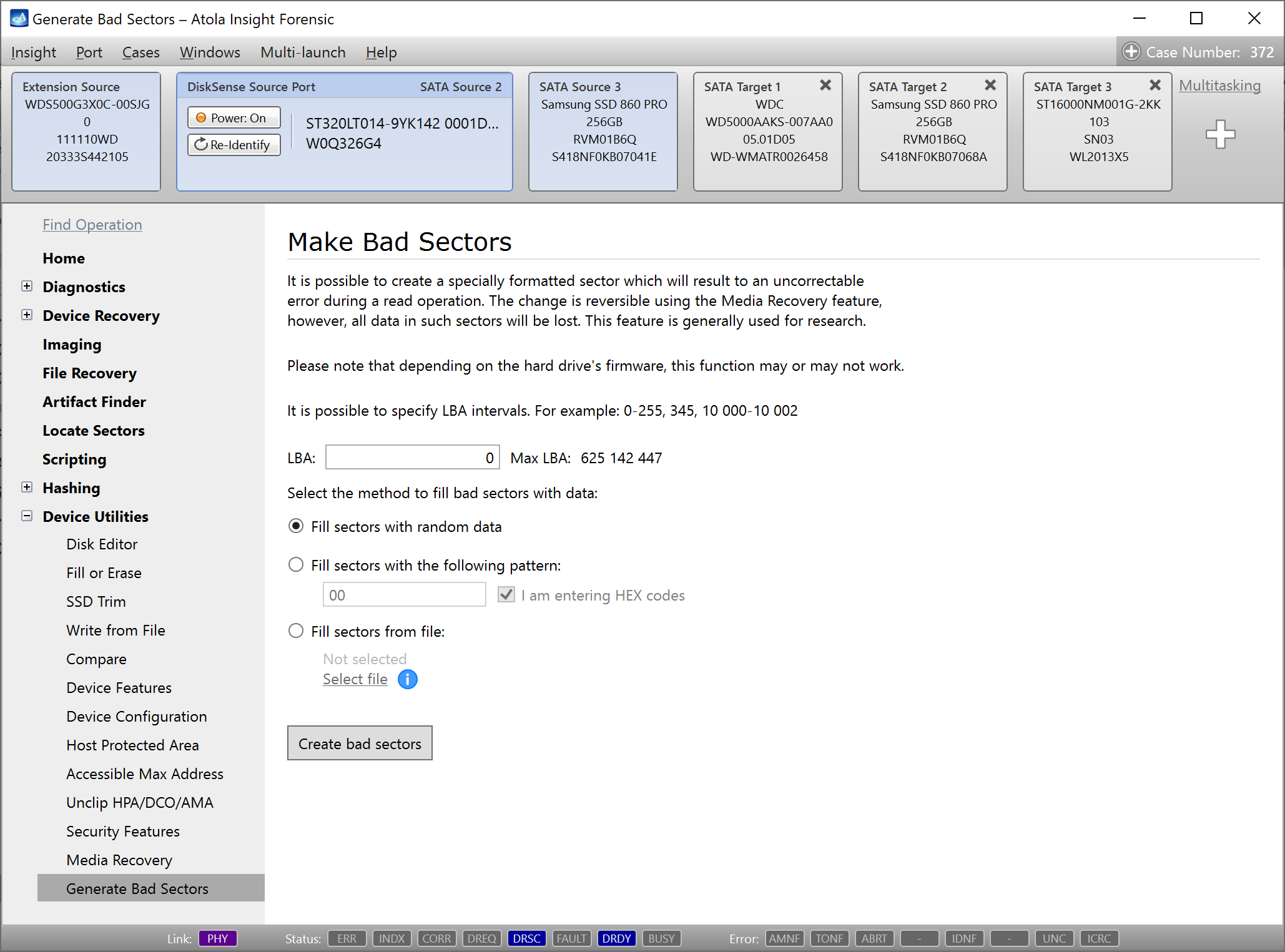
Generate Bad Sectors
Create a bad sector at any specified LBA by entering the sector number and clicking a single button. Reading of such sectors will now result in an Uncorrectable Error. The change is reversible using the Media Recovery feature, however, all data in such sectors will be lost. This feature is generally used for research.