DiskSense 2 Hardware Unit
DiskSense 2 is built to last using the highest quality components including server-grade motherboard and CPU. It is equipped with the fastest, most reliable interface connections available. The hardware is designed to handle damaged media. It includes a built-in oscilloscope for current monitoring and hardware write protection switch for source ports.
See how it compares with the previous version of the unit: DiskSense 2 vs. DiskSense: What's new?
To ensure reliability and efficiency of our hardware imagers, we test them on hundreds of storage devices.
Ports & switches
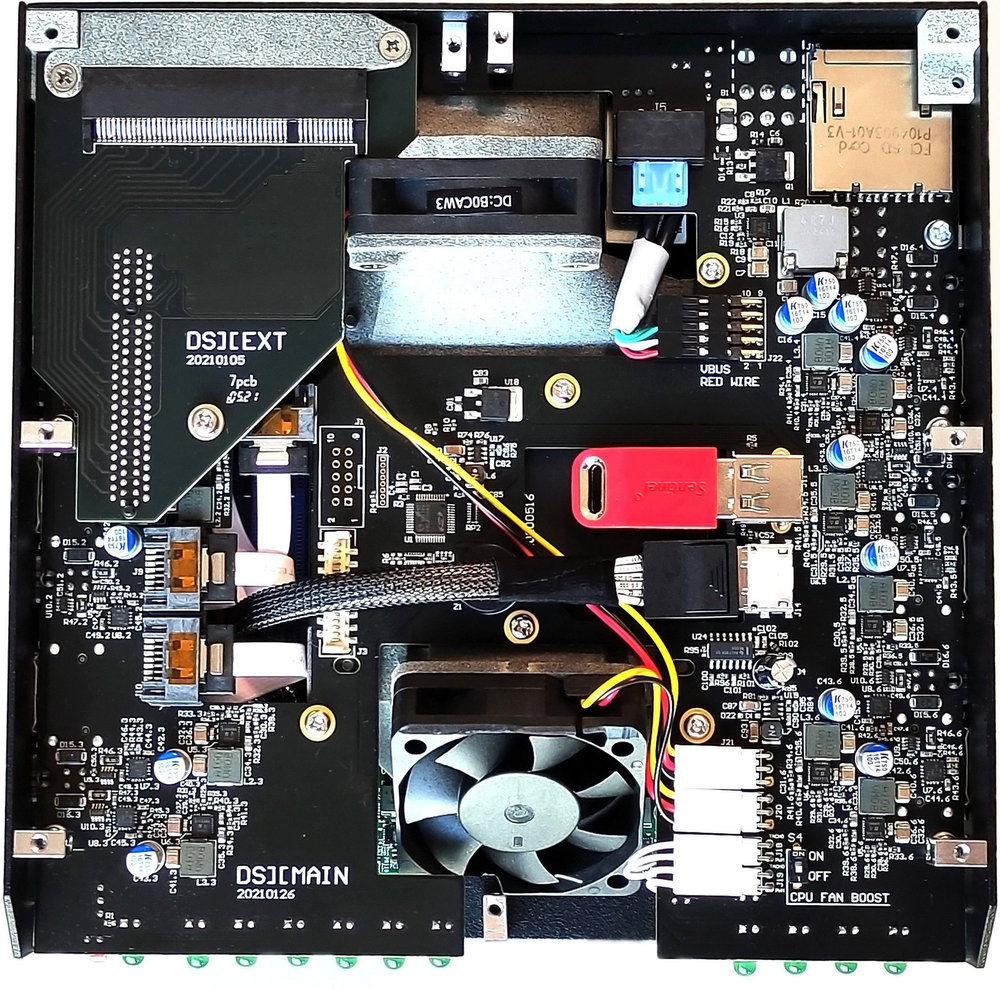
6 Source ports equipped with Write protection switch:
- 3 SATA 3.0
- USB 3.2
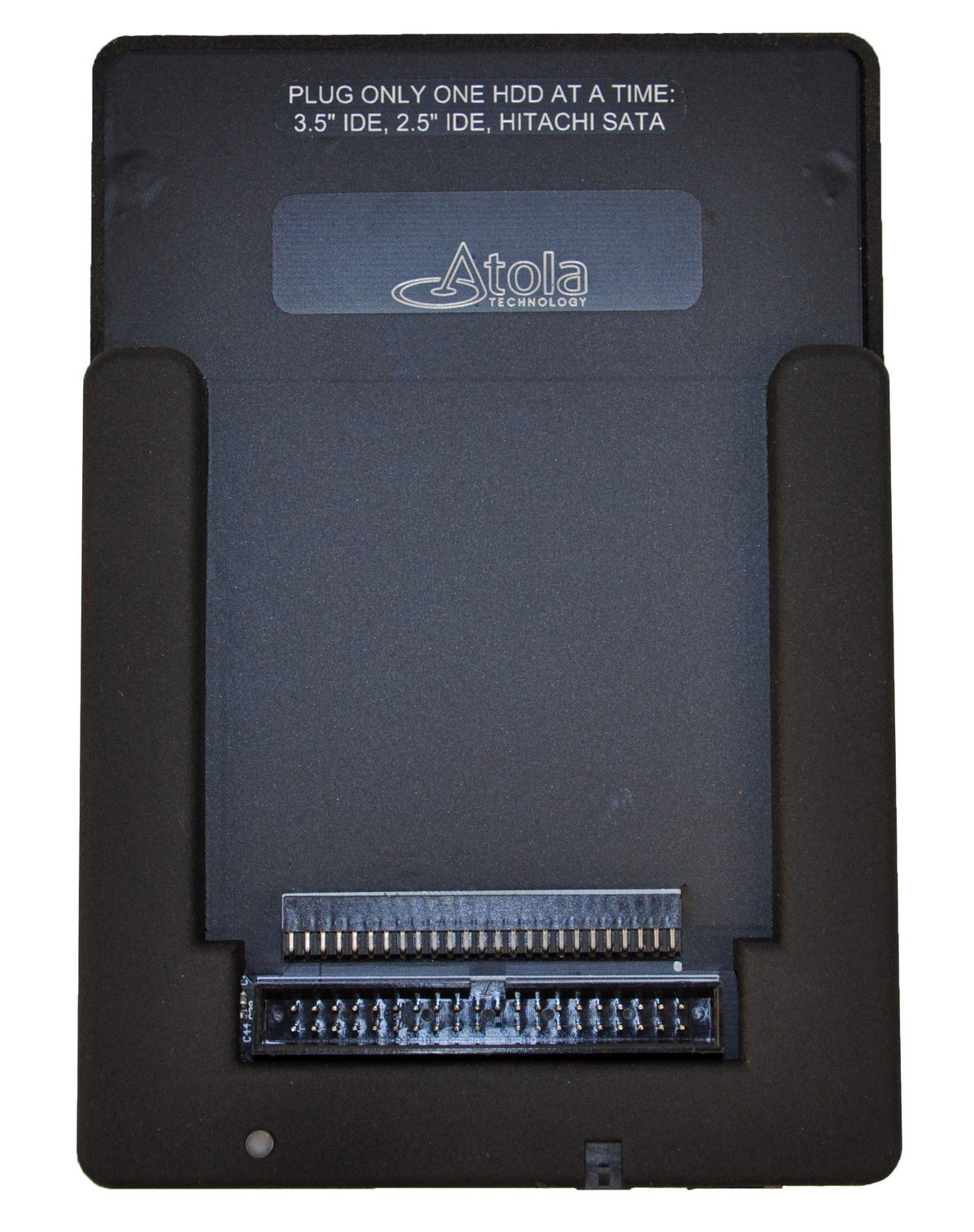
- IDE (via Atola adapter included in the package)
- Extension slot (for SAS, Thunderbolt, Apple PCIe SSD and M.2 SSD extension modules:
4 Target ports:
- 3 SATA 3.0
- USB 3.2
Two 10Gb Ethernet ports for imaging to a network server or NAS.
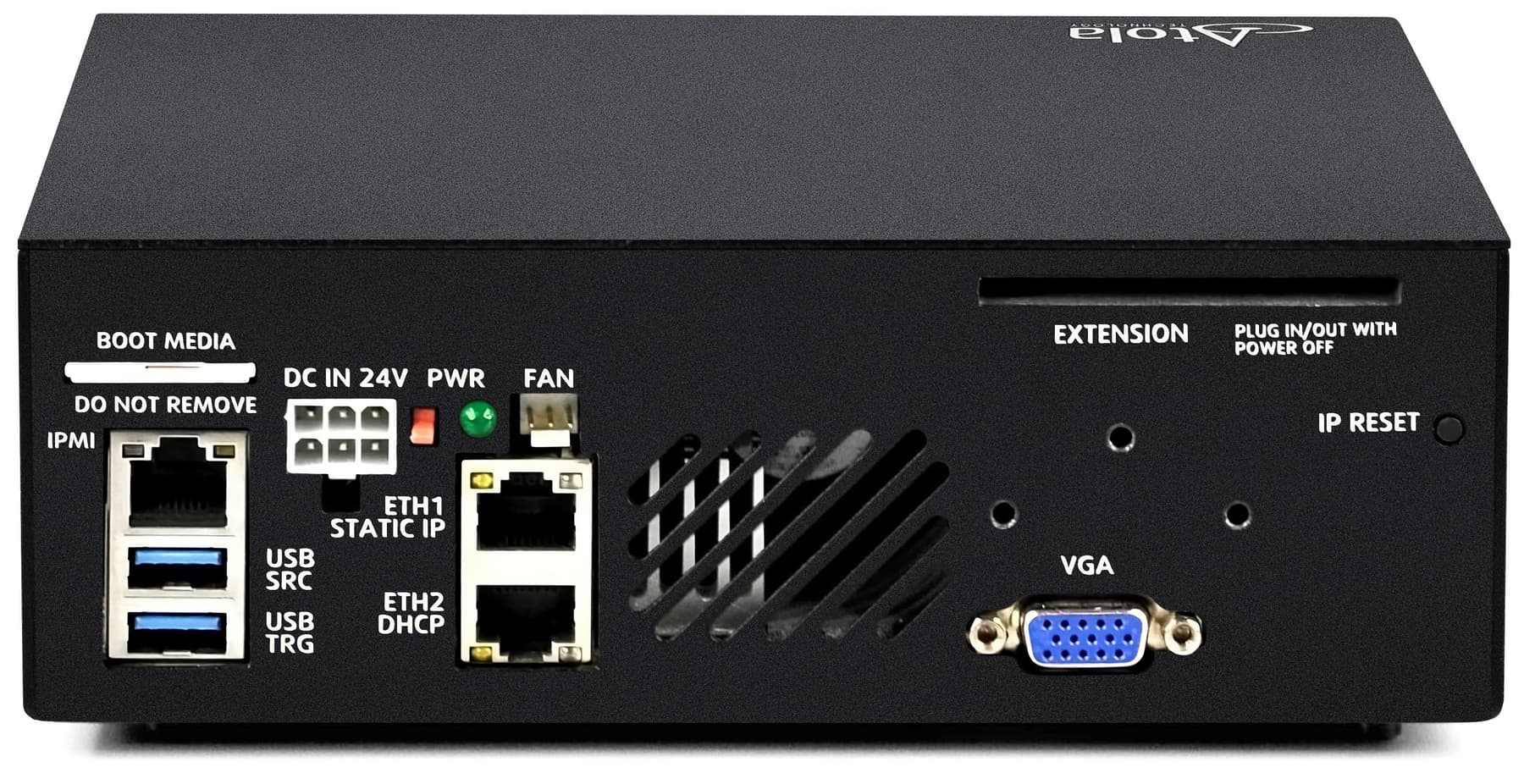
Other ports: Serial RS232, IDE power, VGA, RS-232, DC IN 24V.
Supported hard drive interfaces: SATA I/II/III, SAS3 (12Gb), USB 2.0/3.0, IDE.
Interfaces supported via extension modules: SAS, NVMe, Apple PCIe, FireWire, Thunderbolt 2 and 3 (2016 - 2017 models) ./p>
Flash card support via card reader attached to any USB port.
Indicators
Operation LEDs for all ports and write protection LED for sources ports.
IP address display.
Power switch LED.
Physical / Environmental
- Aluminum case
- Dimensions: 7.9 x 7.9 x 2.6 in (190 x 190 x 63 mm)
- Weight: 3.3 lb (1.5 kg)
- Wide working temperature range: 0°C–50°C (32°F–122°F)
- Power consumption: 60 Watt average, 280 Watt peak
- Supply Voltage: 100 - 240 VAC, 50-60 Hz
- RoHS compliant
Other specs
- Internal OS: Linux running a custom kernel
- Control interface: Atola Insight Forensic (Windows application)
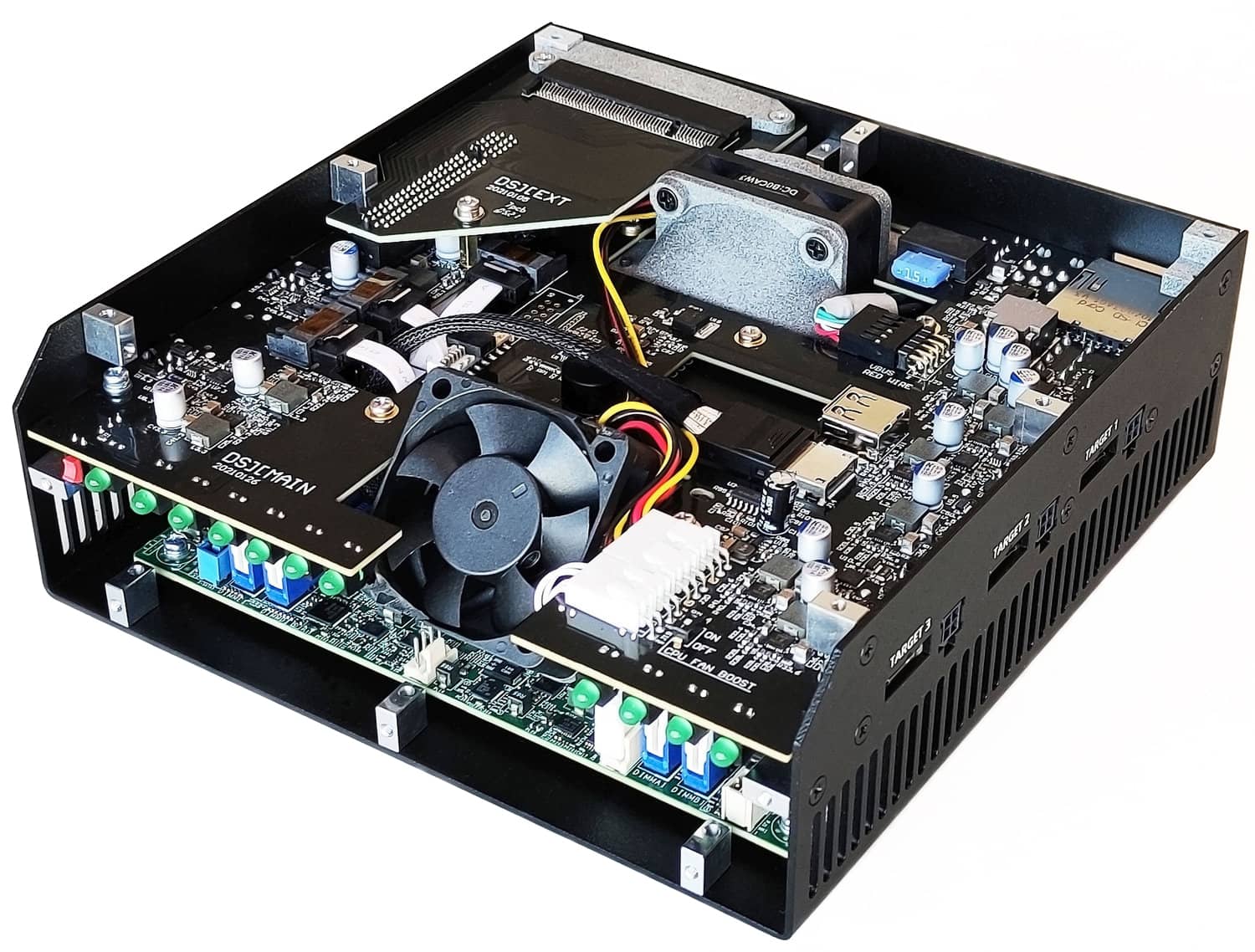
DiskSense 2: under the hood
DiskSense 2 is essentially a small computer running a Linux OS. However, neither normal computer's BIOS, nor basic Linux kernel are suitable for handling of damaged drives because neither of them were designed to properly handle hard drive failures. We have invested significant R&D efforts to build a highly customized and fine-tuned Linux kernel that overcomes these limitations. Additionally, this kernel features:
- Full low-level control over SATA, USB and IDE ports
- Full native SATA support
- Reset and SATA PHY control for optimal handling of severely damaged drives
- High-speed DMA data transfers, up to 500 MB/s
- All BIOS and standard kernel functions are disabled
DiskSense 2 also features our proprietary circuitry for ultimate hard drive's power control:
- Current sensor for in-depth drive diagnostics
- Automatic overcurrent and short-circuit protection
- Overvoltage protection
These features are a must when dealing with damaged drives.
For example, low-level control of the SATA, USB and IDE ports allows Atola Insight to deal with drives that do not properly initialize, have many bad sectors, or frequently freeze due to internal mechanical failures.
SATA PHY control allows resetting a frozen drive without a power cycle. This reduces the time while imaging, and the chance of further drive degradation and failure.
Current sensing allows Atola Insight to diagnose a failed drive even if it has electronic or mechanical damage. Please see Diagnostics for more details on how this works.
Overcurrent protection detects when a drive draws abnormal current and stops the attached device to prevent further damage.
Overvoltage protection circuit ensures that in the unlikely event of the DiskSense 2 unit malfunction, the attached drives are not damaged in any way.
DiskSense 2 unit is fully controlled by Insight software via 10Gbe interface, therefore, you need no Linux experience to operate it.