Atola TaskForce
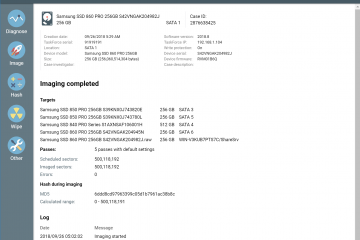
Imaging an evidence drive to 5 targets
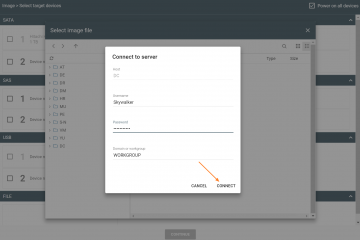
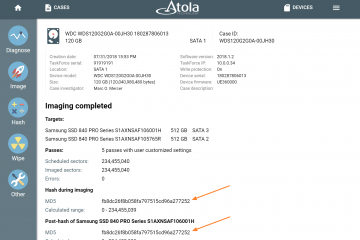
Atola TaskForce allows imaging to up to 5 targets at a time. The targets may include E01 or RAW (.img, .dd) file on a network server target drive plugged into one of 18 TaskForce ports To start an imaging session that includes 5 targets: 1) Click Image icon in the left-side menu 2) Select source and target devices. To create a target file, click Select file icon in the target drive menu and click Continue button. 3) In Select image file, open the folder on the server where you want the file to be created and click the Plus icon. 4) In Create image file pop-up window, type in a Read more…