Atola TaskForce
TaskForce 2020.3 introduces segmented hashing!
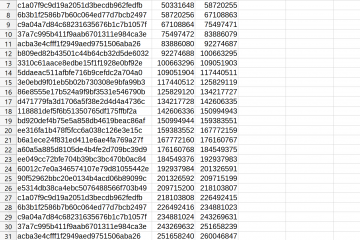
By selecting Segmented hashing in the imaging settings, along with an image you get a csv file with hash values for the individual segments of the evidence drive.
Atola TaskForce is a forensic imager, designed for maximum productivity. TaskForce can image, hash, wipe in parallel on 12+ ports at 15 TB/hour.Â
By selecting Segmented hashing in the imaging settings, along with an image you get a csv file with hash values for the individual segments of the evidence drive.
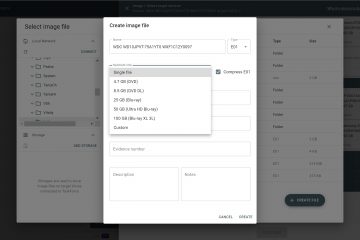
The key feature of this release is imaging to segmented E01 files (to E01, E02, E03 and so forth). For many forensic examiners, E01 segmentation makes sense for a more convenient way of storing data. Some back up the segmented images on BluRay drives, others want to avoid repeated attempts Read more…
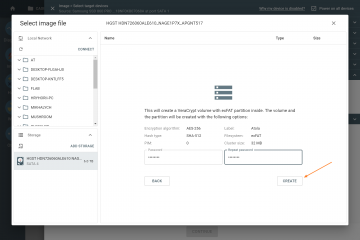
With newest Atola TaskForce 2020.1 firmware, it is possible to image into files on an encrypted target drive using VeraCrypt for data encryption. Multiple target drives can be encrypted for the same or different sessions.After you have connected the source drive to a port in Source mode, take these steps: Read more…
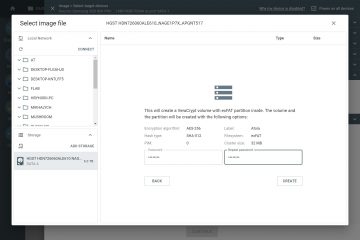
We are pleased to announce the release Atola TaskForce 2020.1! This firmware’s key feature is imaging into a file on an encrypted target drive. Target drive encryption Atola TaskForce creates an encrypted exFAT partition using VeraCrypt with a 256-bit AES algorithm on the target drive, which the user locks with Read more…
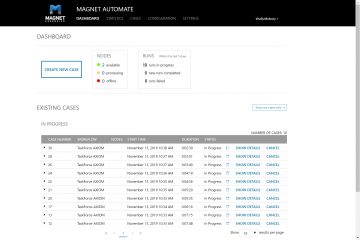
[Update 2022] Atola Technology continues to update TaskForce’s automation module, extending Web API support and collaboration with other digital forensic vendors. Please follow: Web API updates Product changelog Atola team is pleased to announce that from now on TaskForce can be integrated into new Magnet AUTOMATE 2.0 software. By automating Read more…
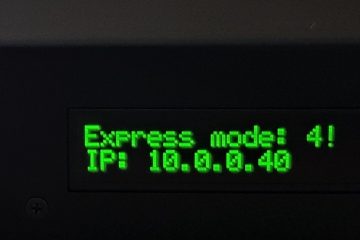
Express mode enables automatic launch of multiple imaging sessions on all ports that are set to source. Simply plug a drive into TaskForce and the imaging session will start automatically. Activating Express mode Source evidence drives can be imaged to E01 (regular or compressed) or RAW files located in a Read more…
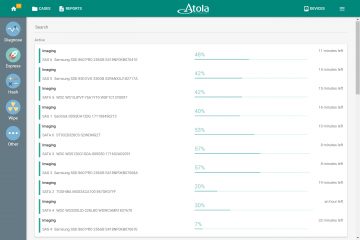
Express mode comes in handy when you need to acquire substantial amounts of data under tight deadlines. In this screencast, you can see how simple the whole process is: from activating express mode to attaching drives. Watch Express mode in action! Watch and try when ready!
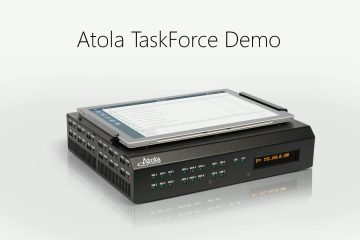
We are happy to share the voiced Atola TaskForce video. It thoroughly explains how one can save a lot of time when facing a problem of imaging many evidence drives. Enjoy!
The new version of TaskForce firmware introduces several great time-saving features. Express mode. When this mode is activated, every imaging session starts automatically upon a source drive is plugged into TaskForce. Head support. Allows disabling degraded and damaged heads to image good heads first, which results in faster data acquisition Read more…
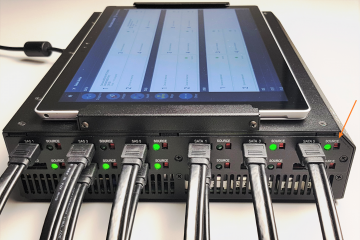
Atola TaskForce was designed to perform multiple processes simultaneously and provide its users with unprecedented flexibility when it comes to a variety of devices and configurations in which they can be used.